Ticketing Module
The ticketing module covers the full ticket lifecycle – from shop configuration and sales to on-site check-in. Keep orders, products, and attendee data in sync with your events.
All Orders
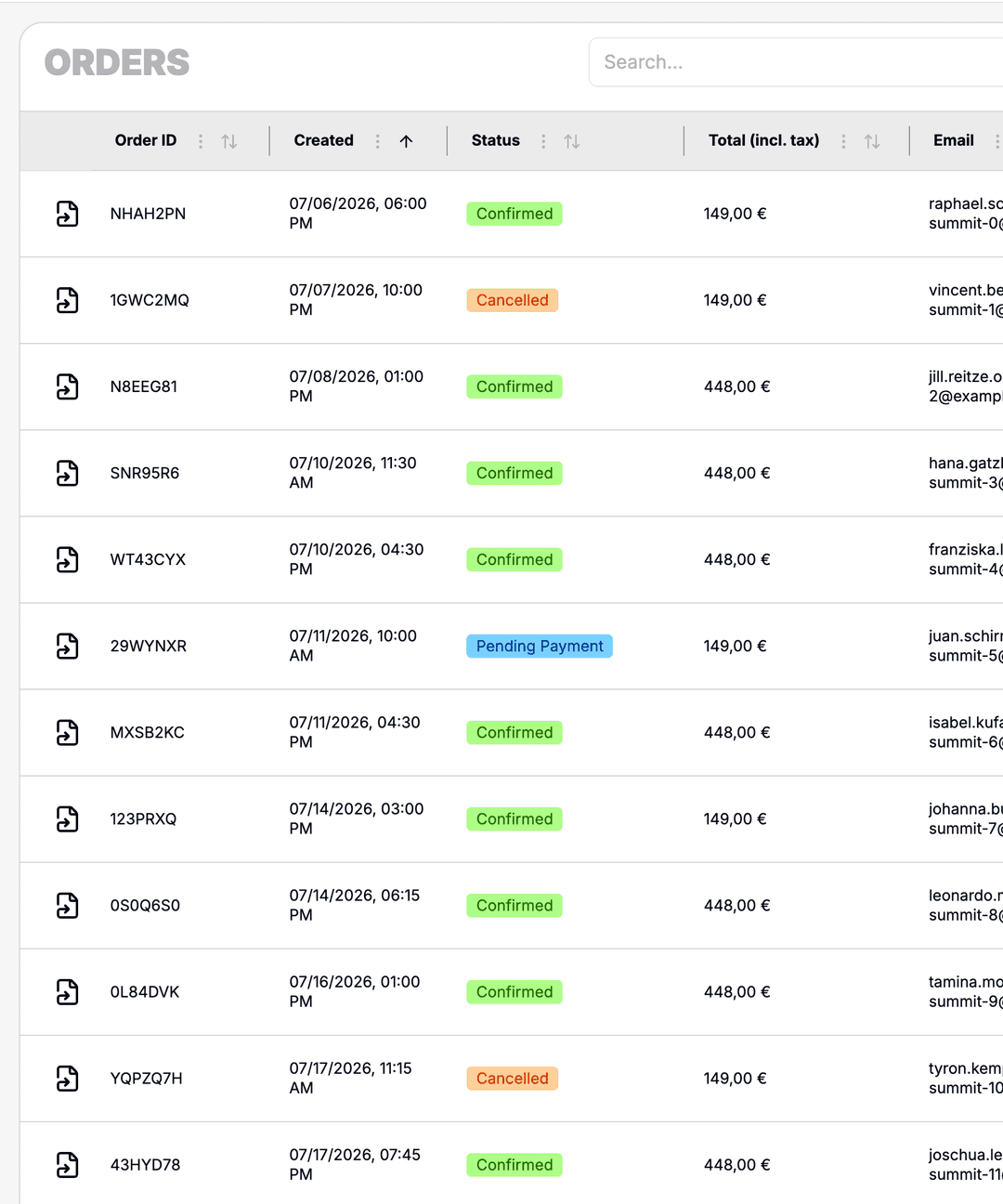
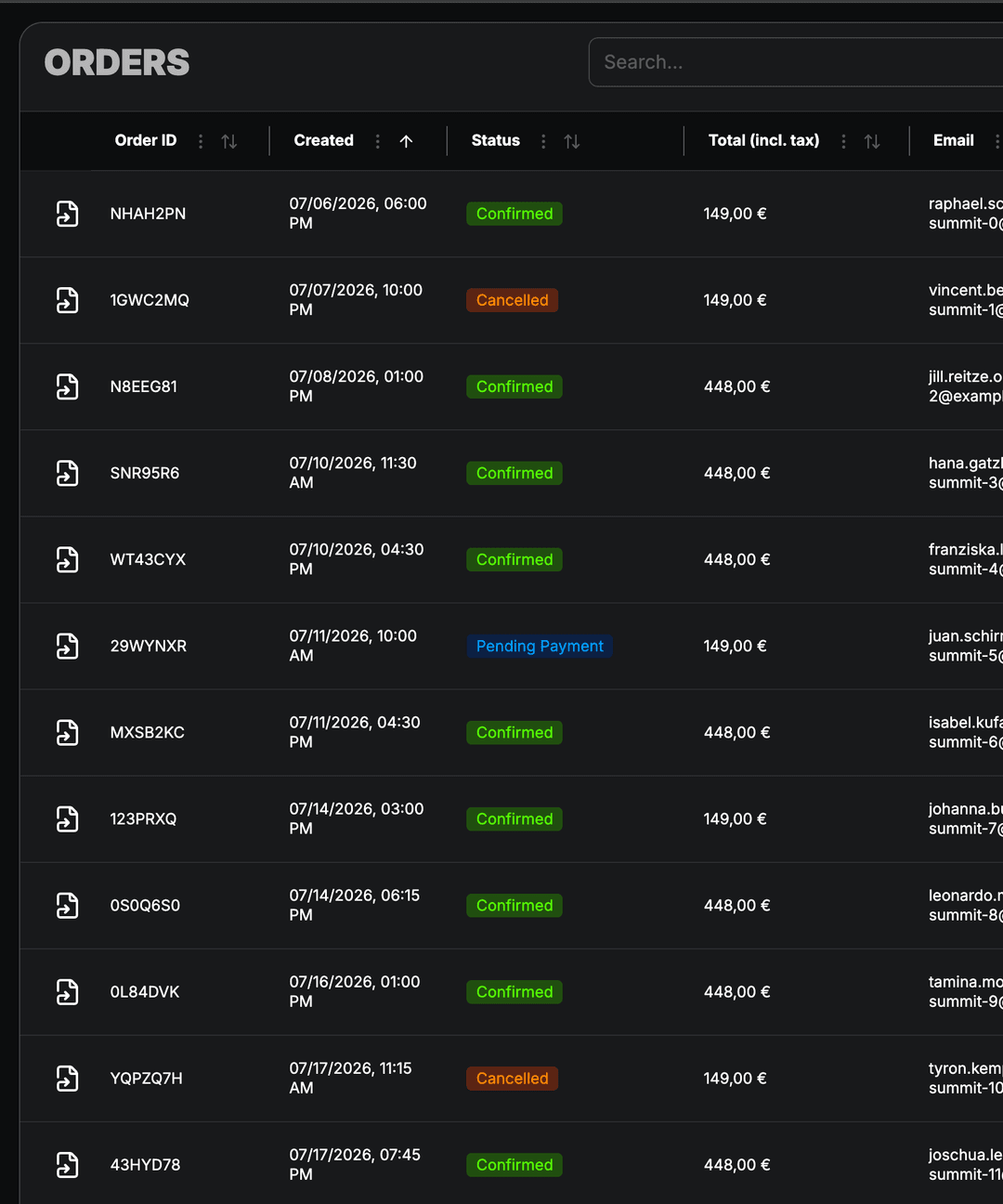
Track every ticket purchase in one place. Payment status, line items, and buyer details stay linked to contacts and events.
- Central list of all ticket orders
- Payment status and refund tracking
- Linked buyer and attendee data
- Filter by shop, product, and event
On-site Check-in
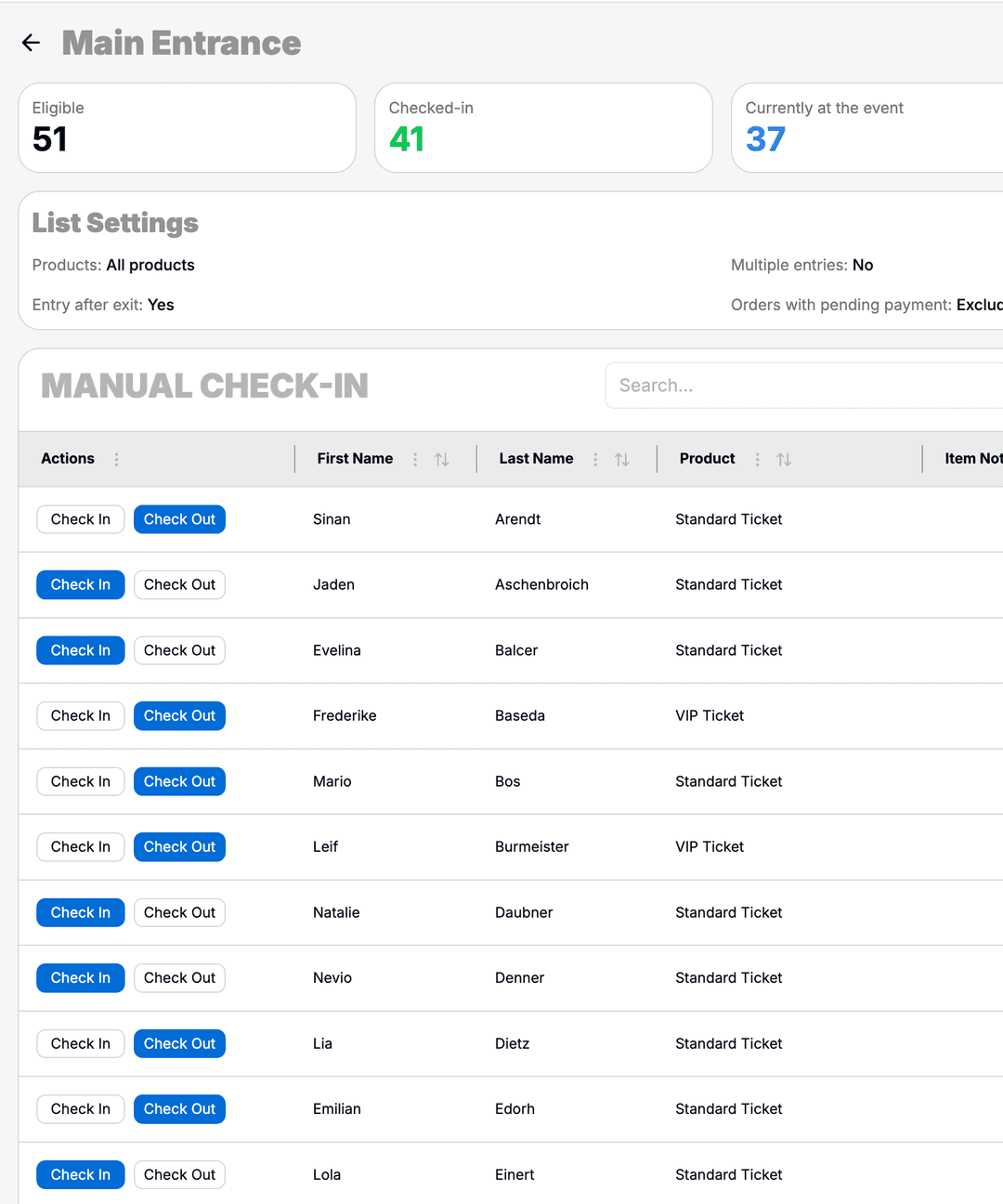
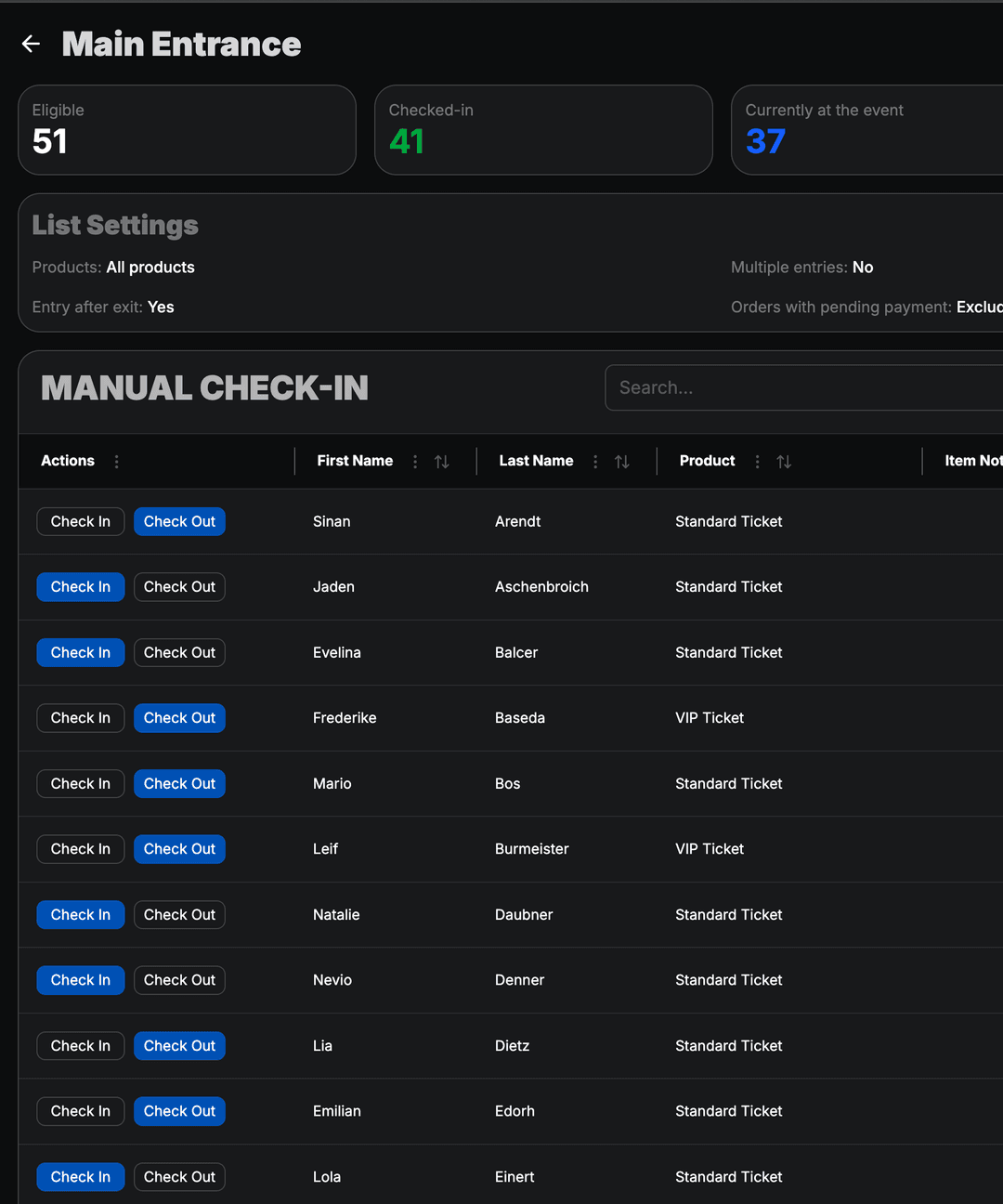
Define who may enter and when. Check-in lists connect ticket data to scanning devices for fast admission on site.
- Lists per event, session, or area
- Real-time sync with scanning devices
- Admission rules by product and quota
- Overview of checked-in attendees
Flexible Products
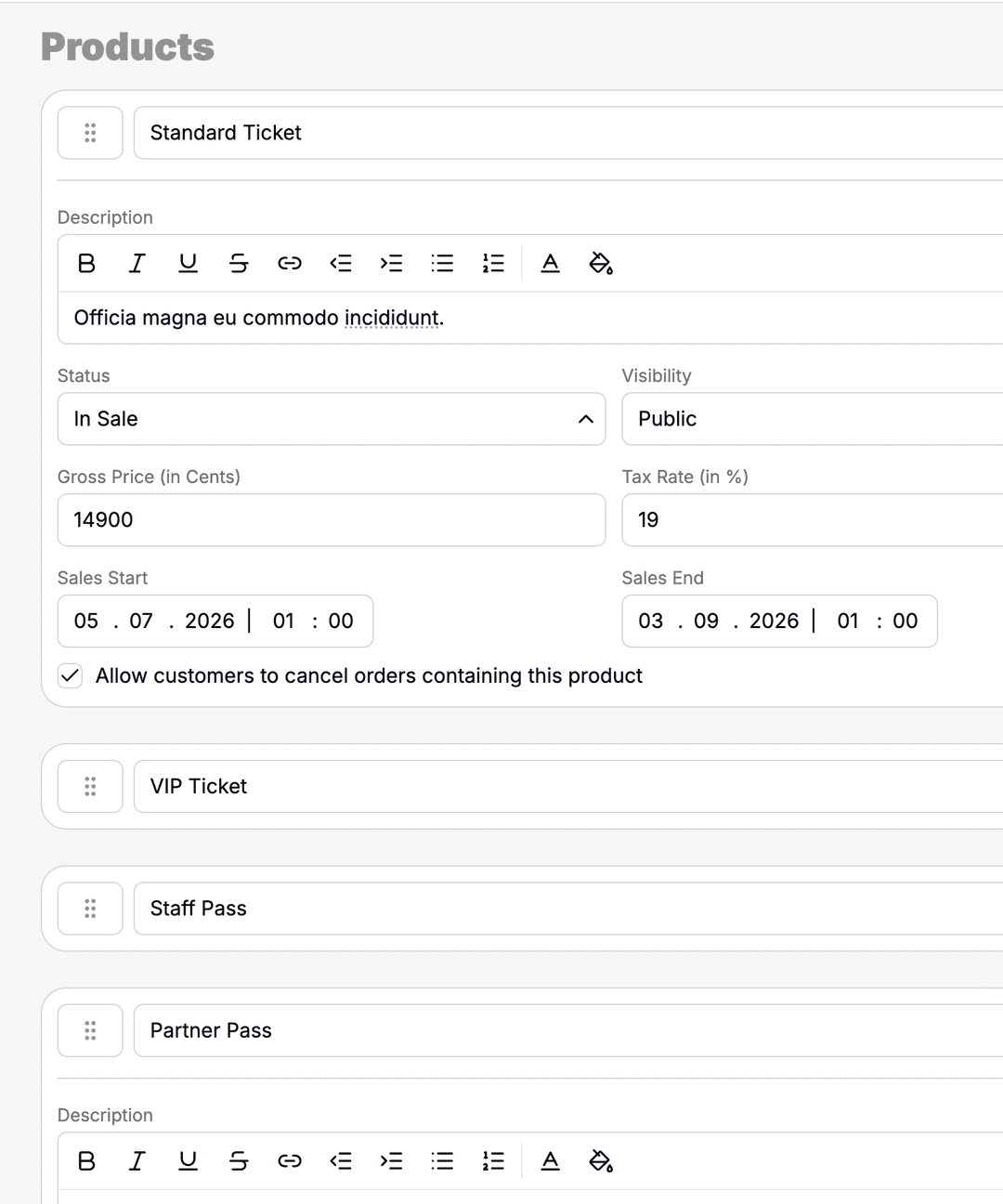
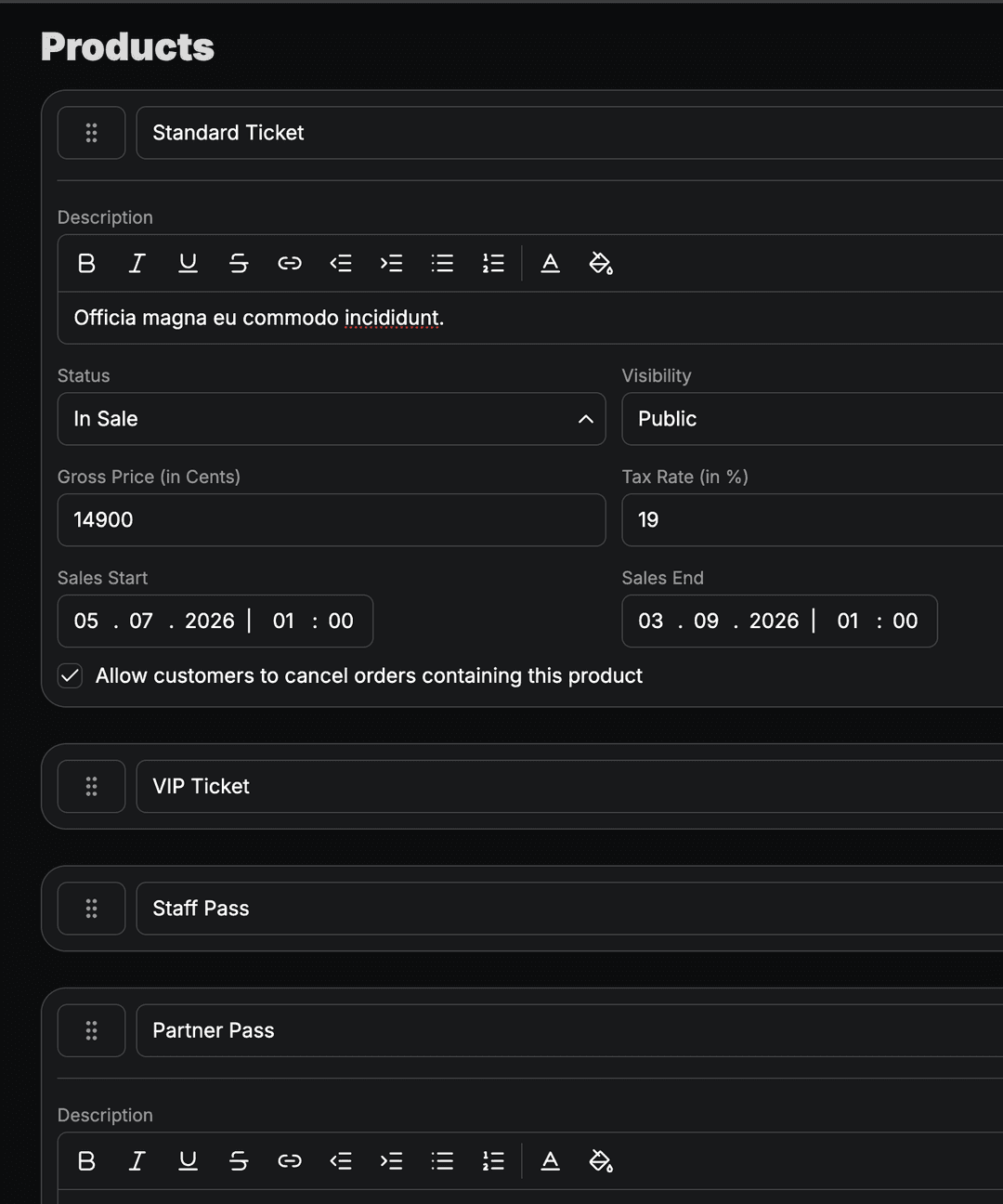
Configure ticket types, bundles, and add-ons with pricing, availability, and sales windows – tailored to each shop.
- Tickets, add-ons, and bundled offers
- Pricing tiers and early-bird windows
- Availability limits per product
- Reusable across multiple shops
Custom Questions
Collect the information you need at checkout. Custom fields flow into orders, exports, and attendee profiles.
- Text, selection, and mandatory fields
- Assignment per shop or product
- Answers stored on orders and attendees
- Exportable for reporting and badges
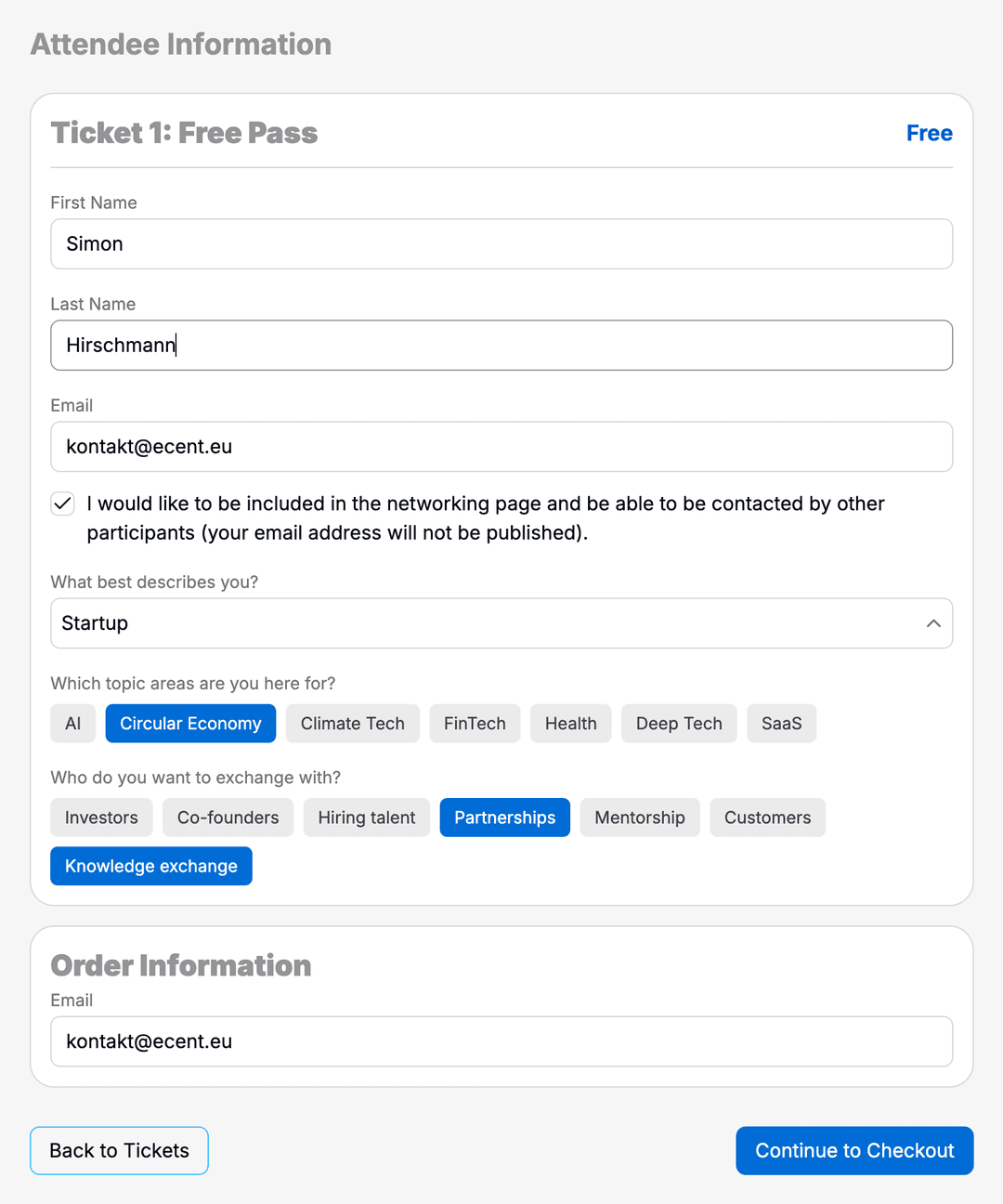
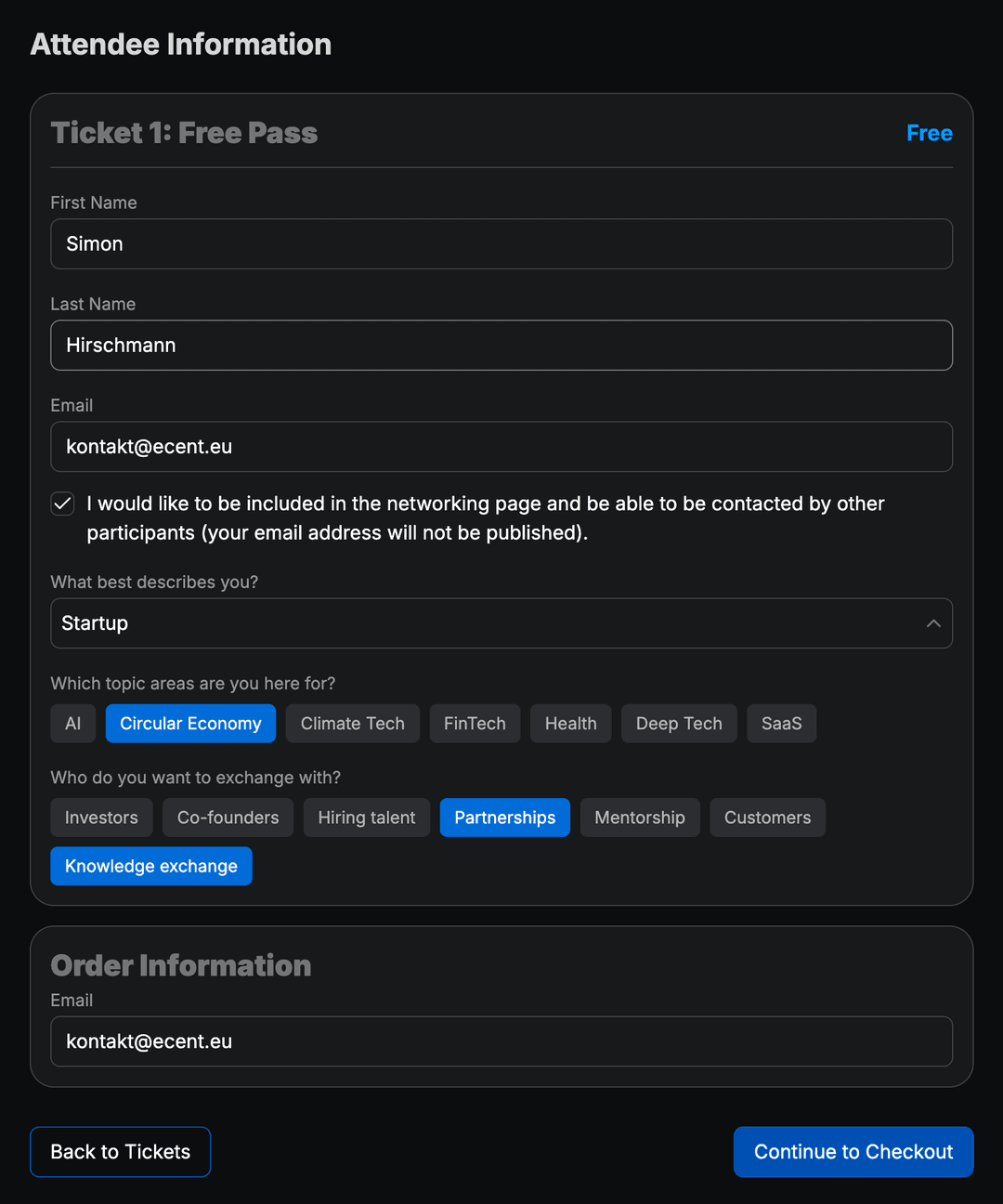
Branded Ticket Shops
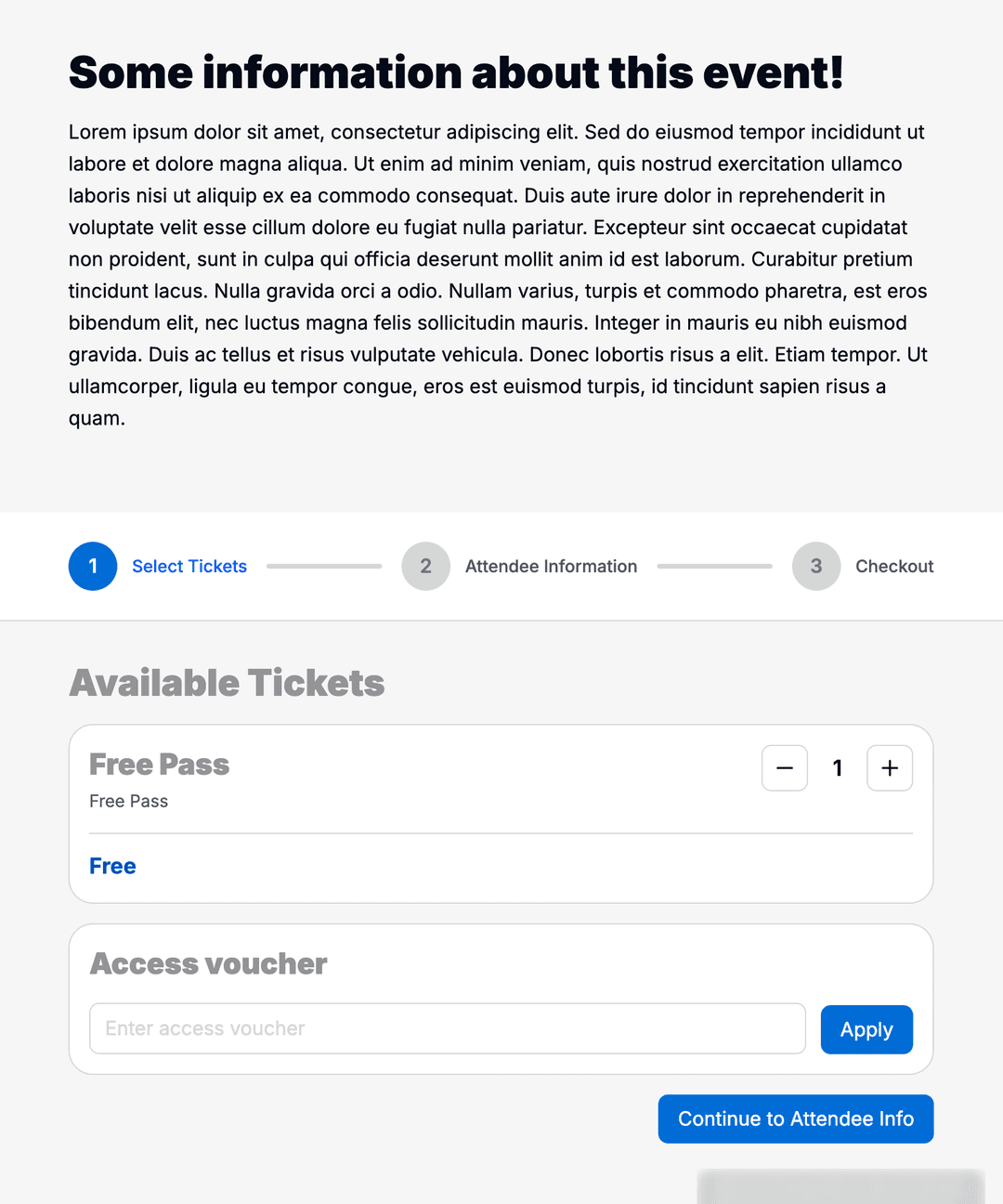
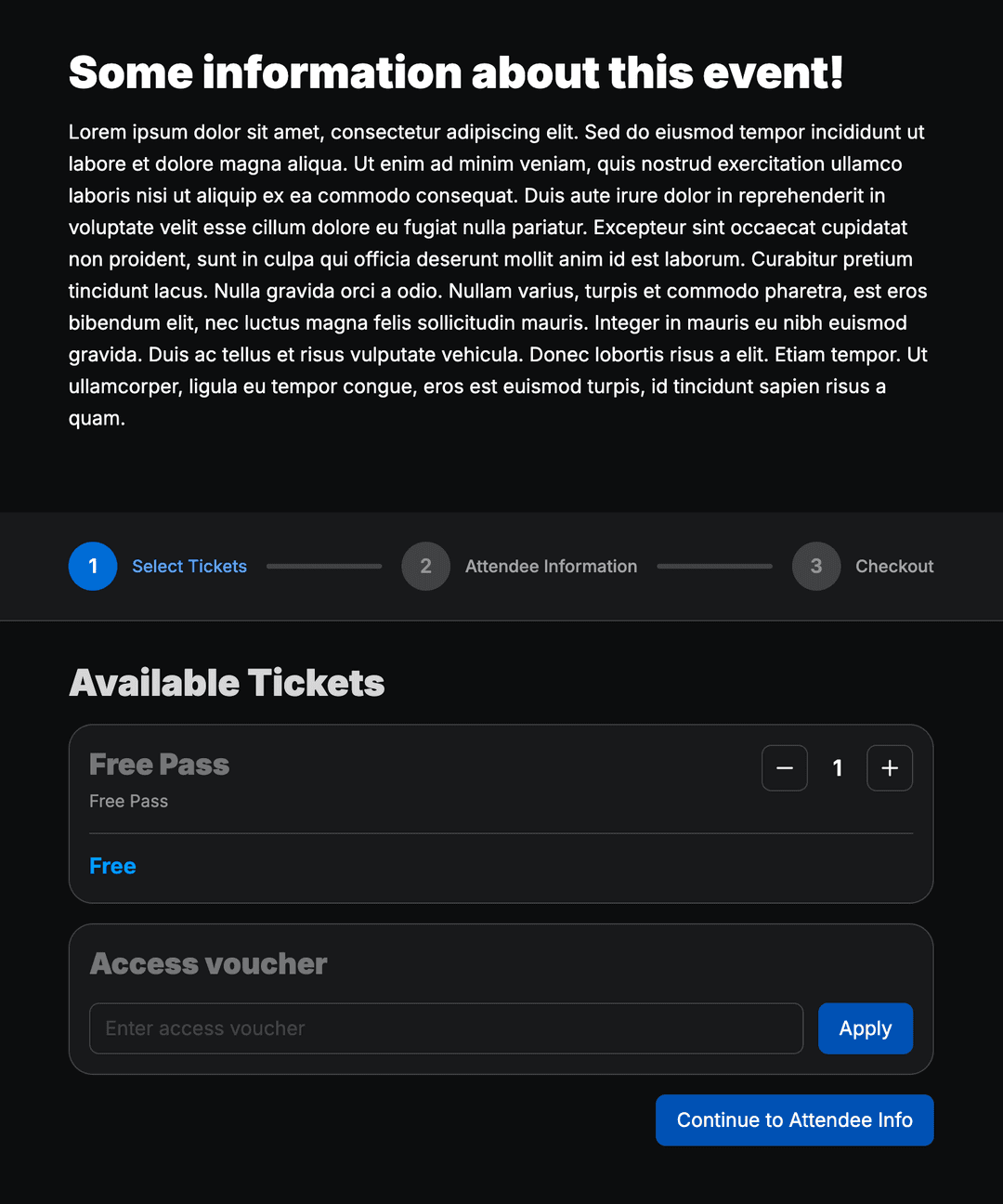
Launch public shops for each event or campaign. Visitors select products, pay securely, and receive tickets instantly.
- Shop branding aligned with your CI (in development)
- Product selection and checkout flow
- Secure payment via connected providers
- Embeddable in the ERADIANT event website
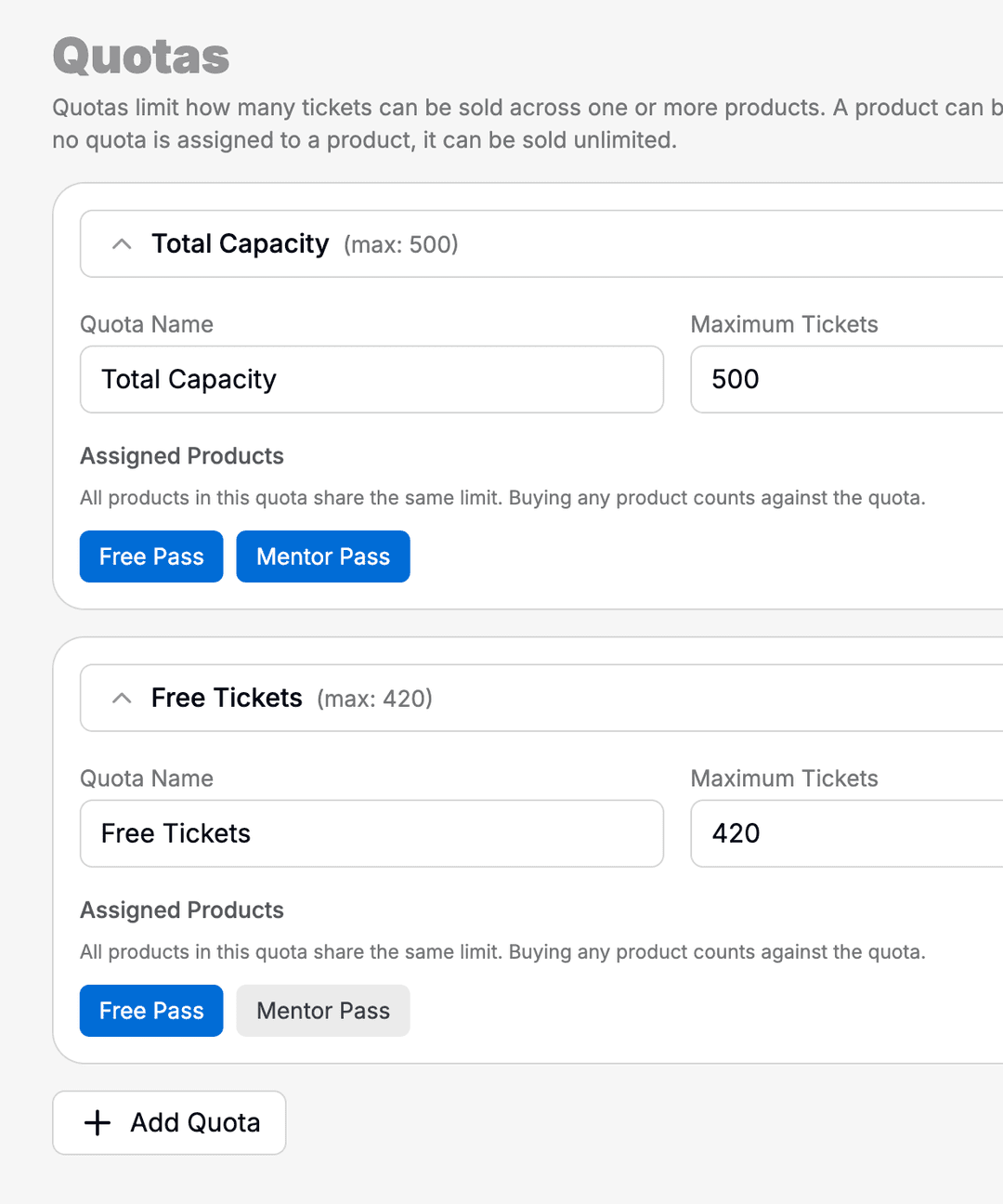
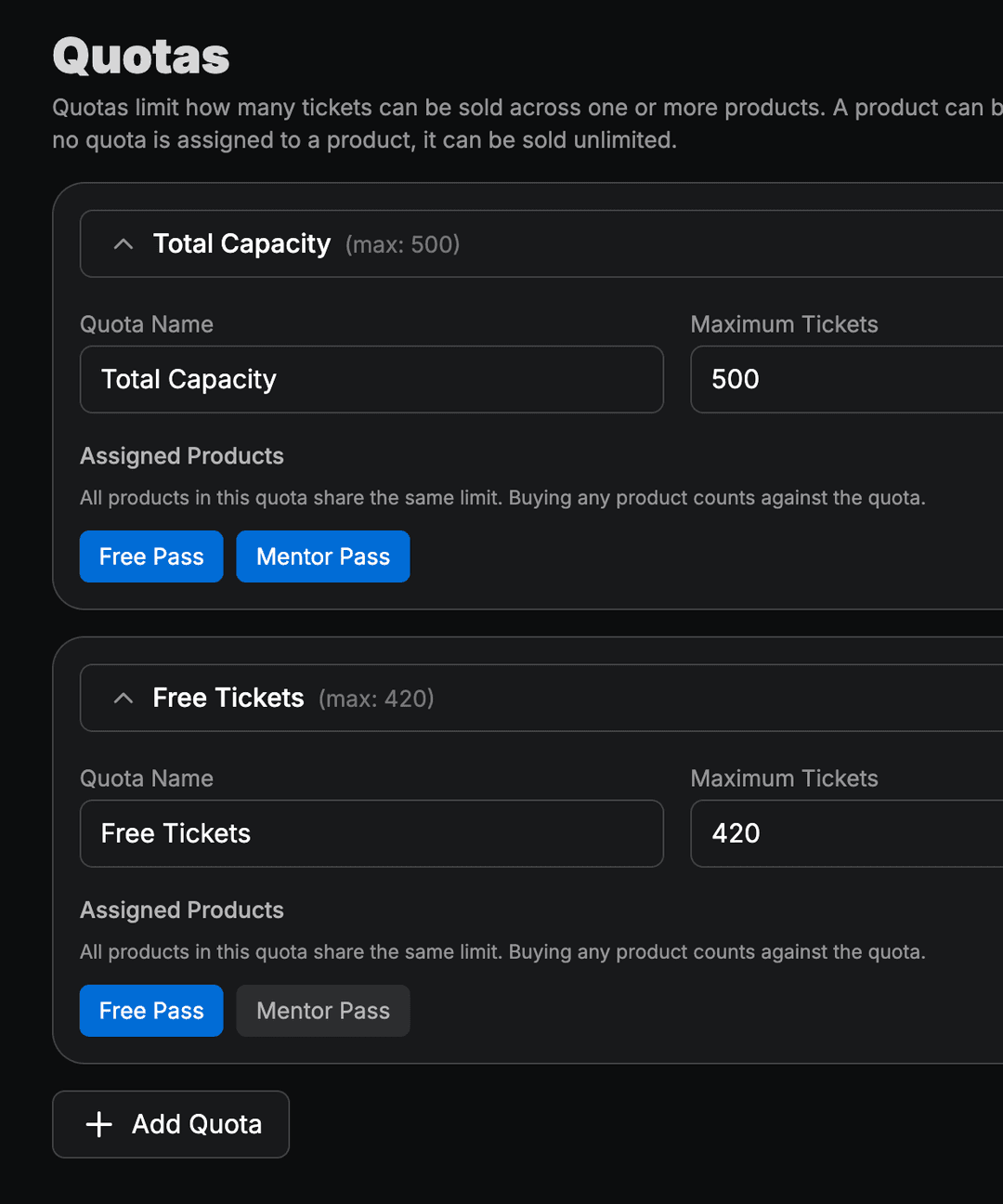
Controlled Quotas
Allocate limited ticket volumes to partners, groups, or channels. Quotas keep sales fair and within your capacity.
- Limits per code, group, or channel
- Reserved allocations for partners
- Usage tracking in real time
Access Vouchers
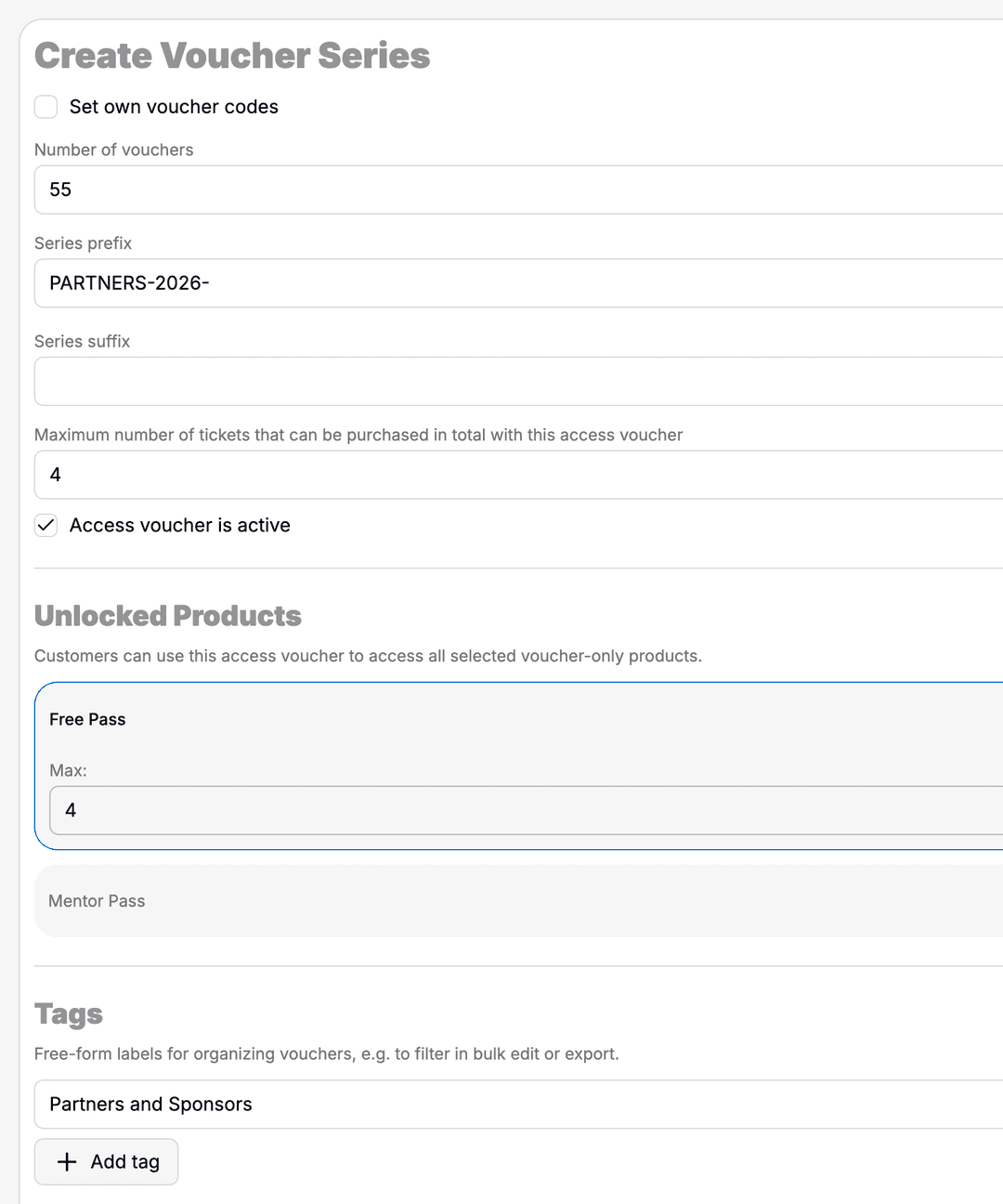
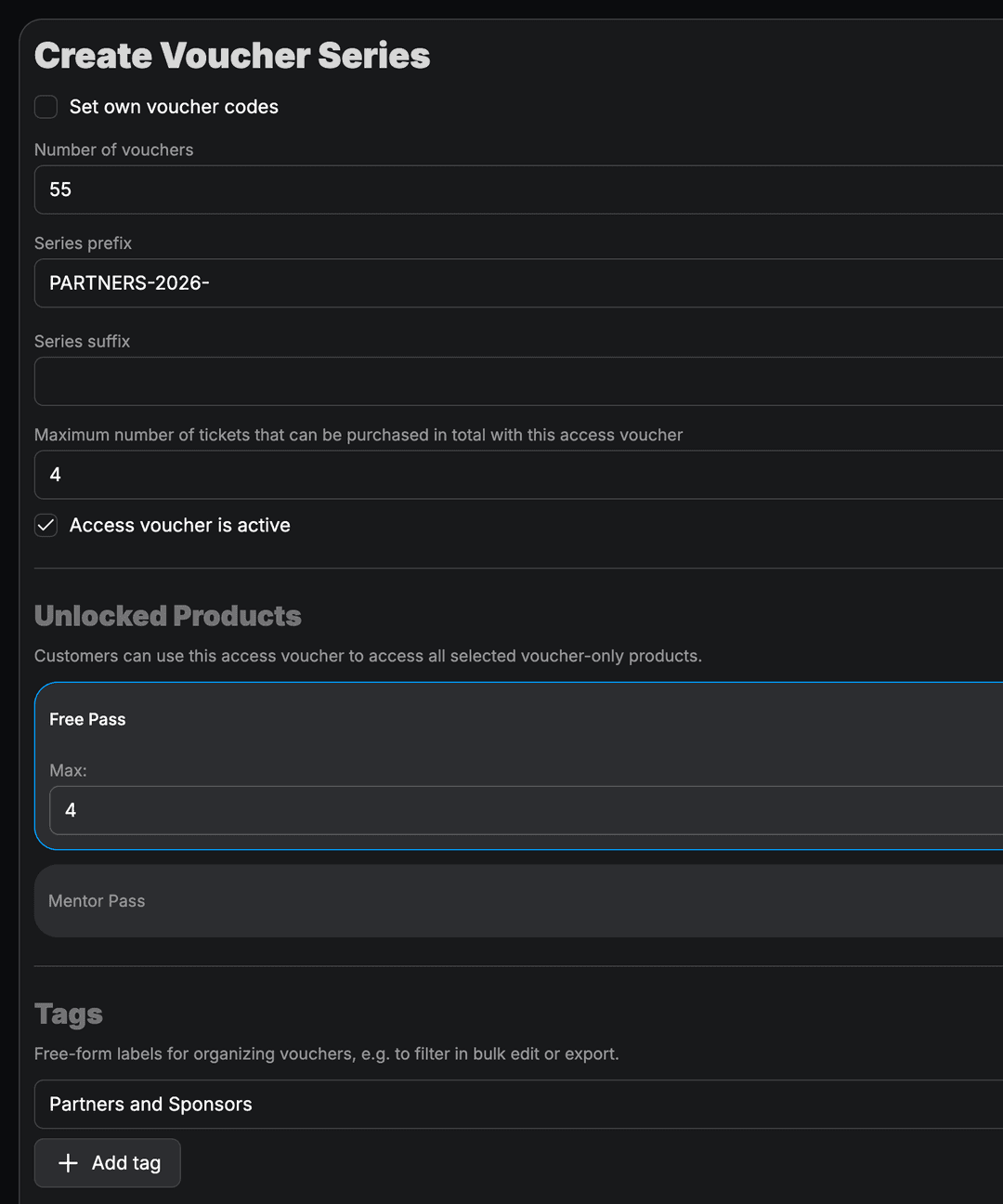
Issue vouchers and redemption codes for discounts, complimentary tickets, or restricted product access.
- Single-use and multi-use codes
- Discount or fixed-price redemption (in development)
- Validity periods and usage limits
- Redemption tracking per voucher
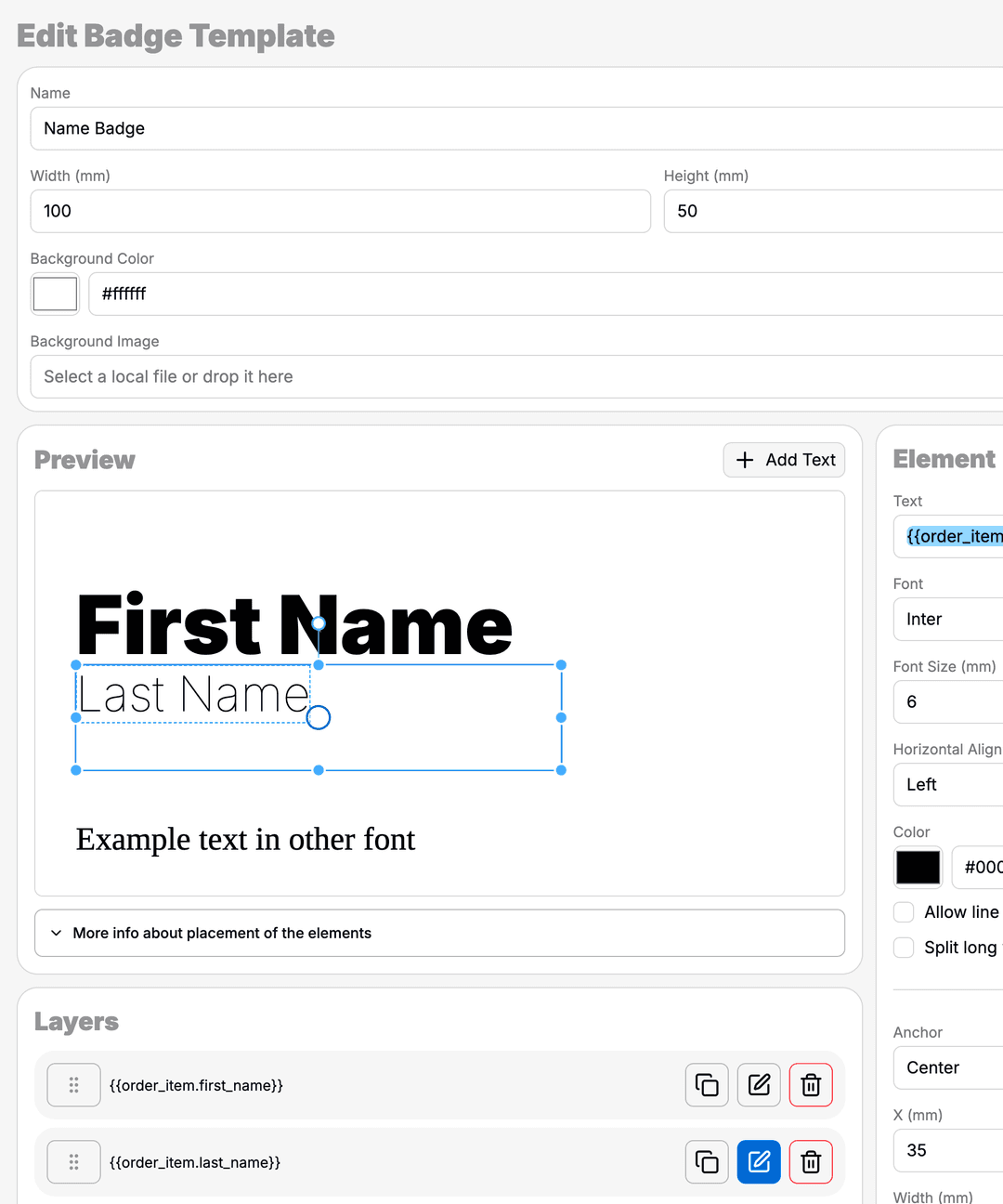
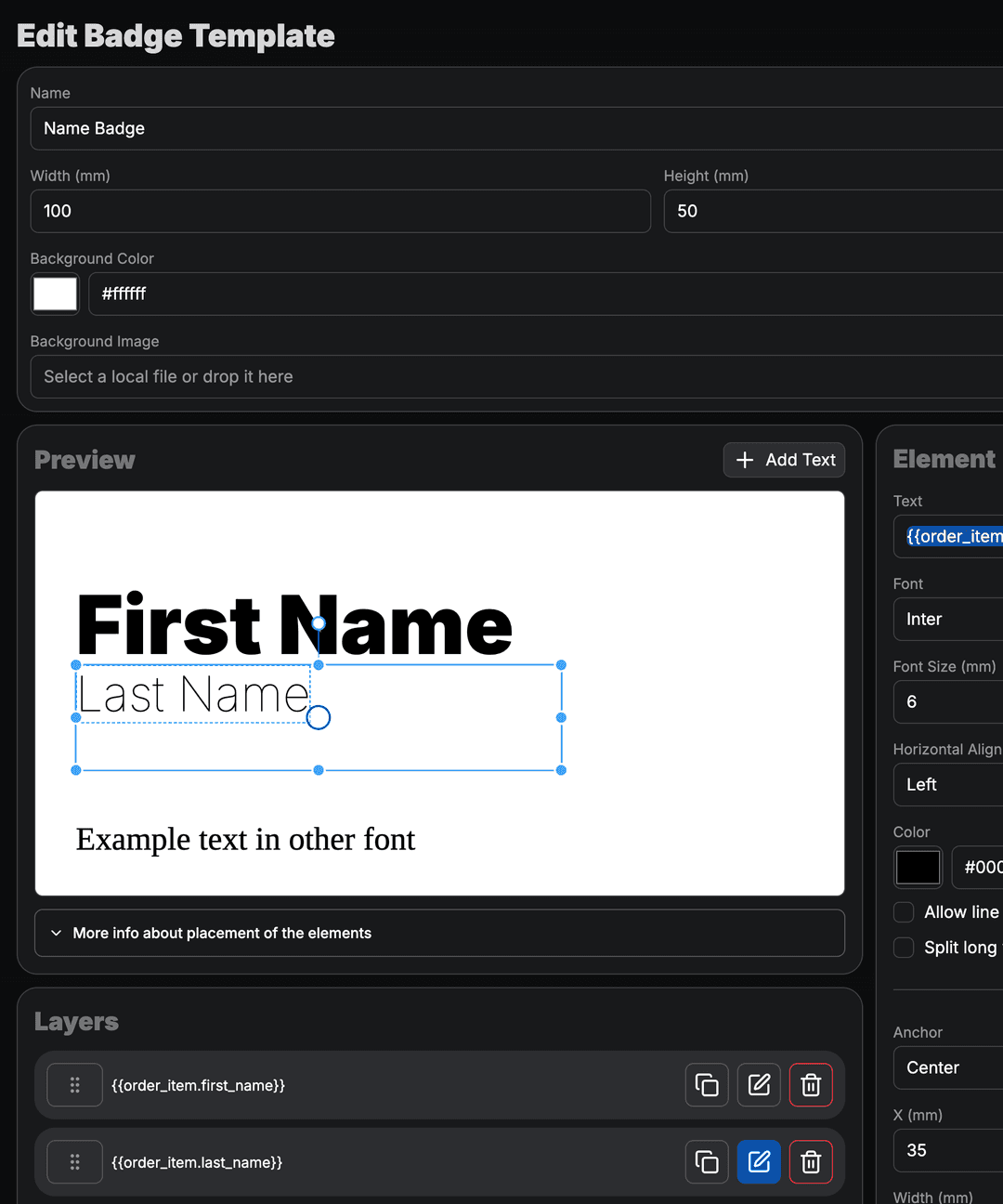
Professional Badges
Design badge layouts with attendee data from orders and events. Print on site or export for external production.
- Layouts with logos and attendee fields
- Data from orders and custom questions
- Print-ready output for on-site use
- Consistent branding across events
Sales Statistics
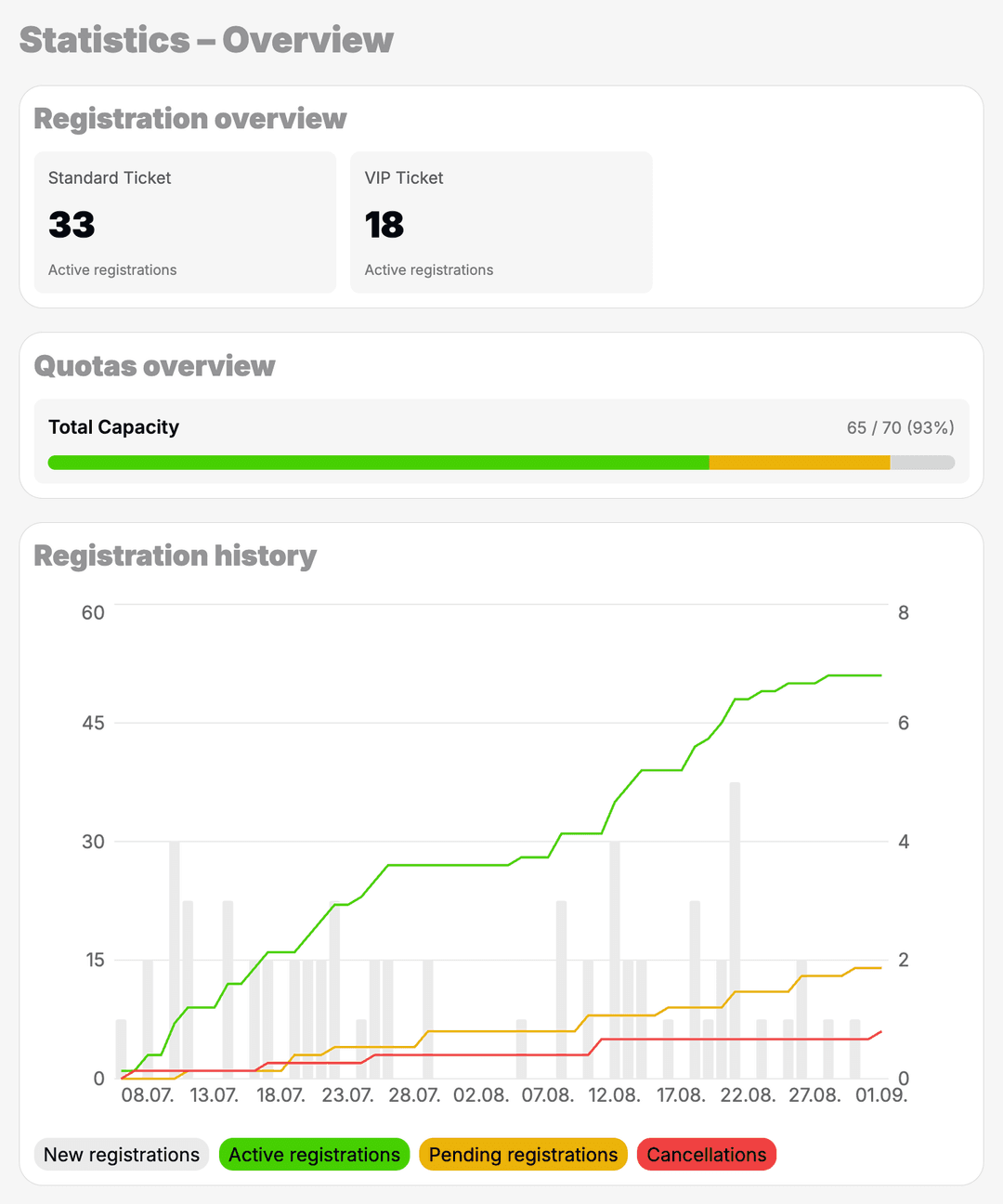
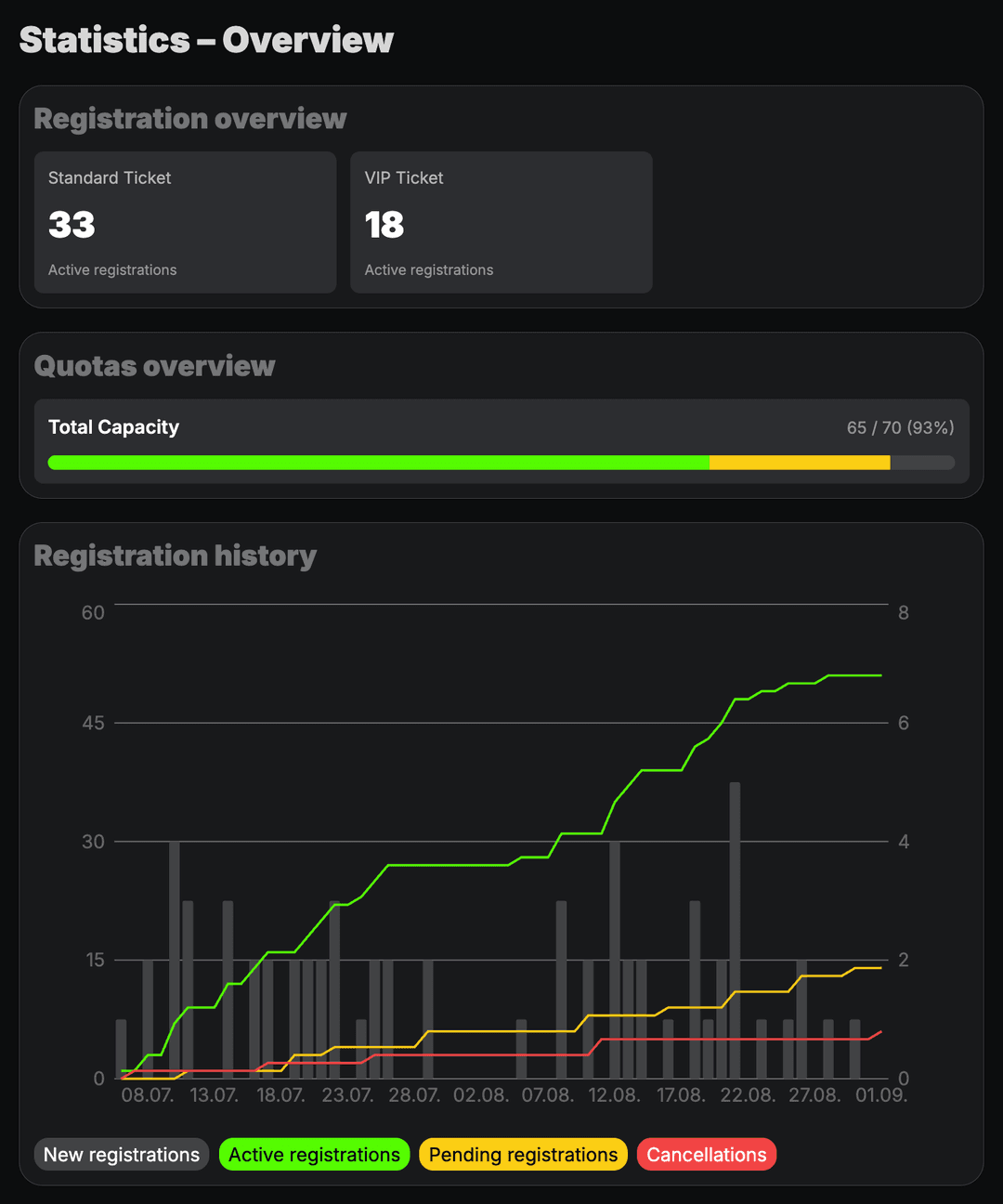
Monitor revenue, conversion, and product performance. See which shops and channels drive your ticket sales.
- Revenue and order volume over time
- Breakdown by shop and product
- Quota and voucher redemption rates
- Exportable figures for your team
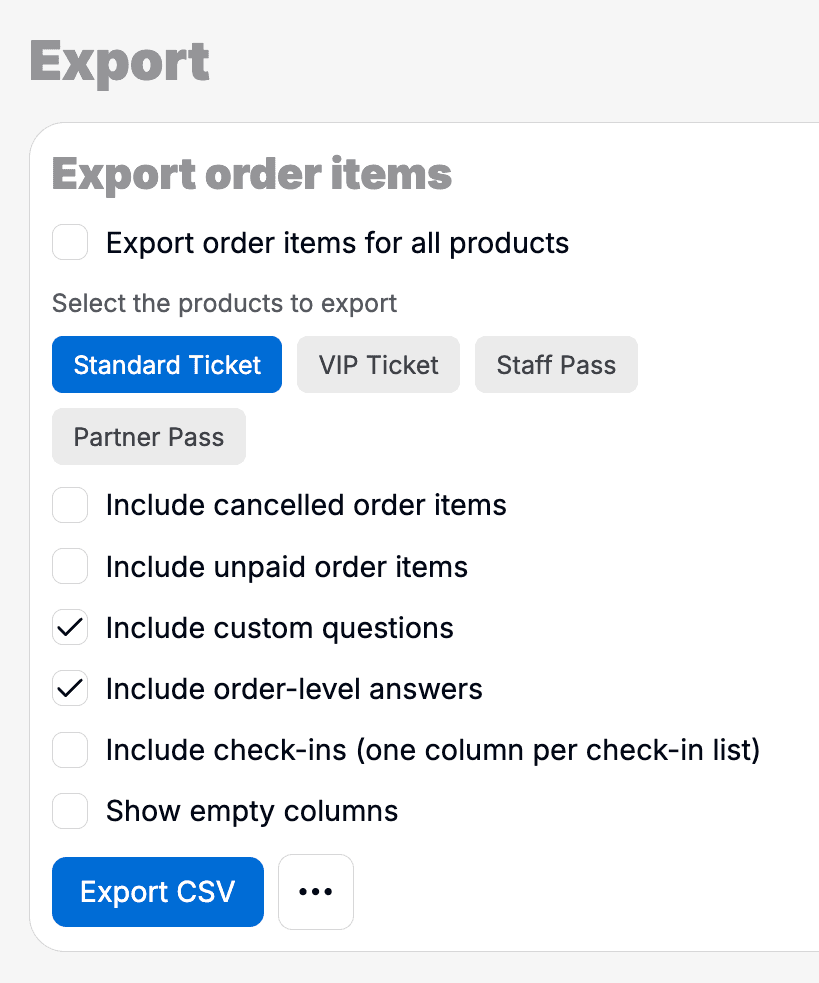
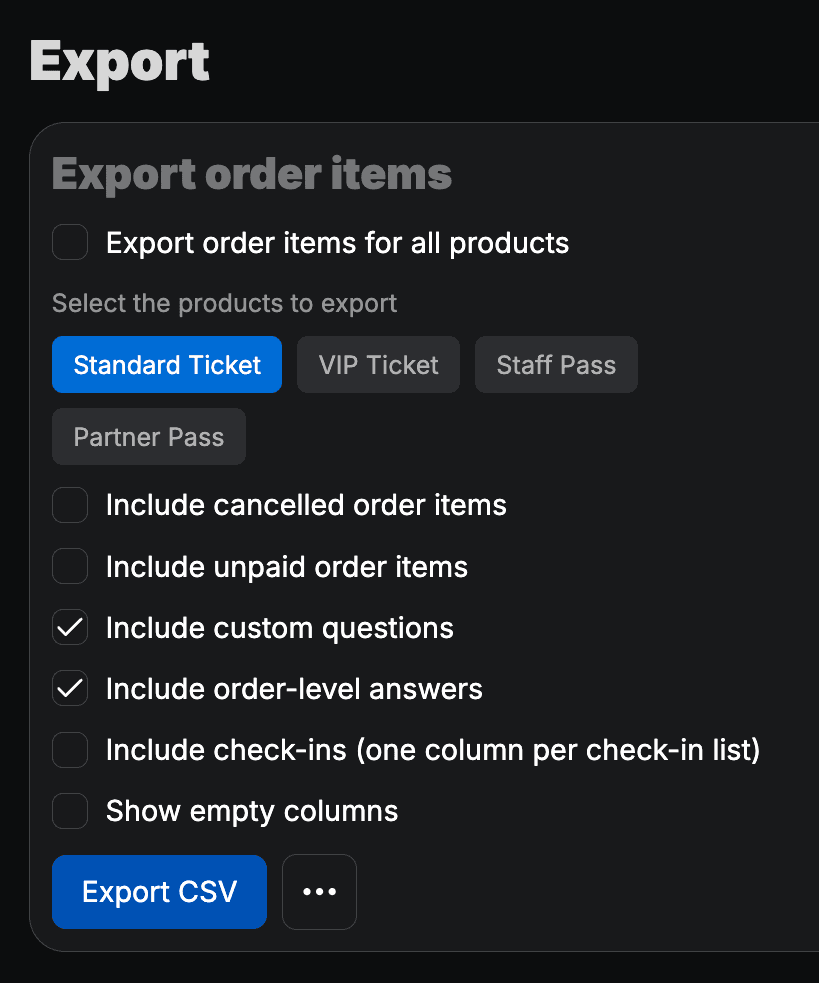
Data export (in development)
Export orders, attendees, and answers for accounting, CRM, or on-site tools – filtered and formatted as needed (in development).
- Orders and attendee lists as files (in development)
- Custom field and answer columns (in development)
- Filters by date, shop, and event (in development)
- Scheduled or on-demand exports (in development)
Automated Mails
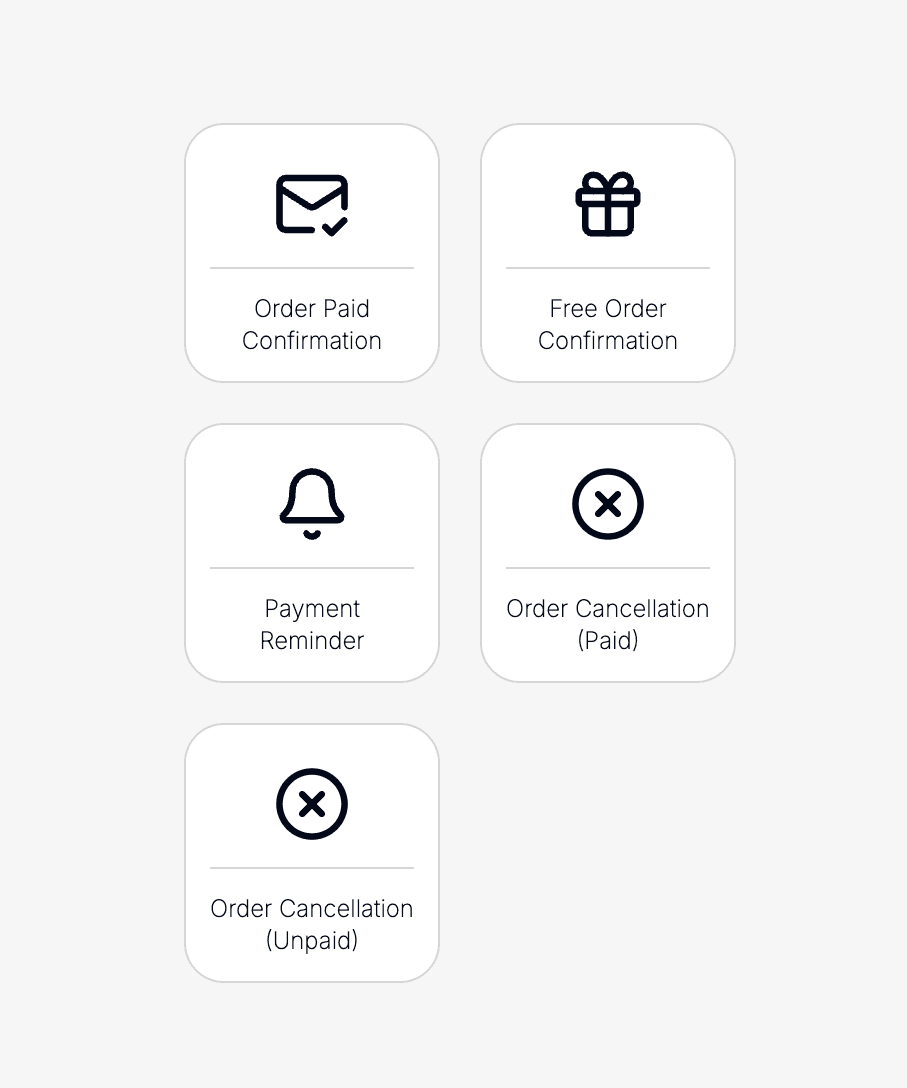
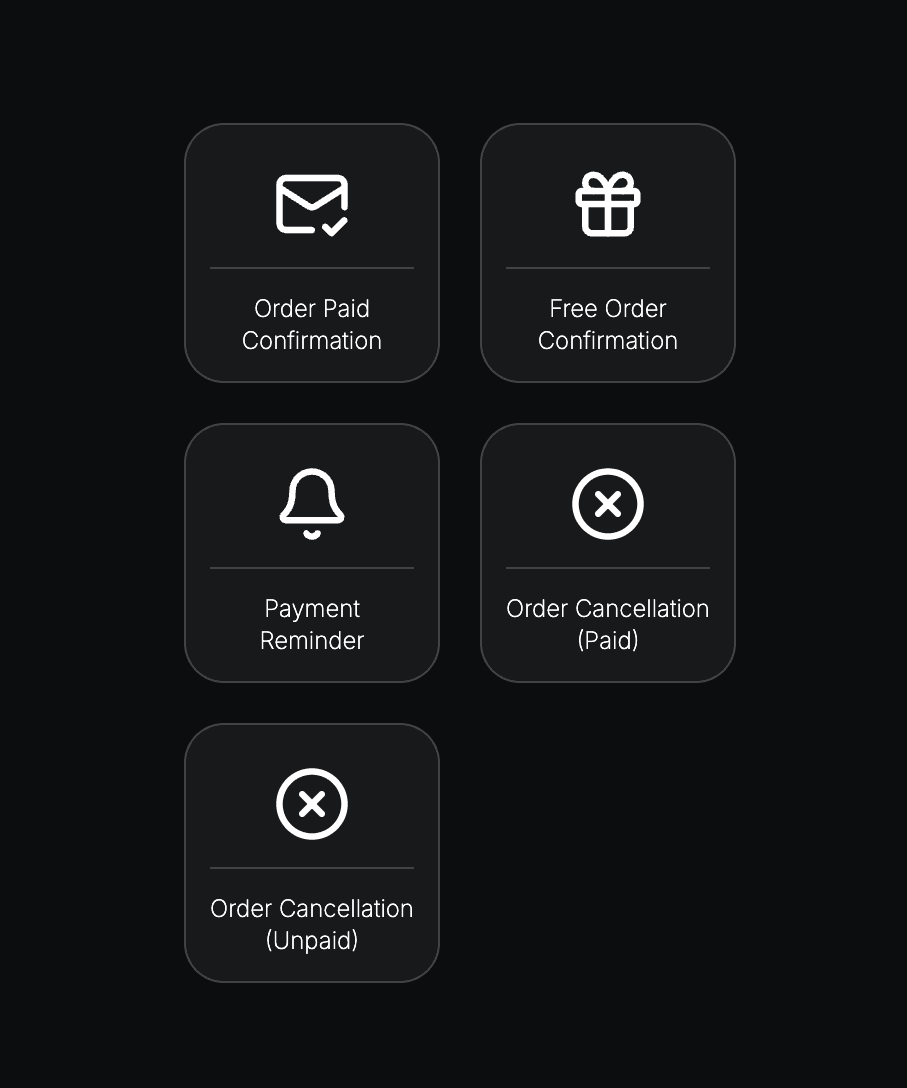
Send order confirmations, tickets, and updates automatically. Templates match your branding and stay consistent across shops.
- Confirmation and ticket delivery emails
- Branded templates per organization
- Triggered on order and payment events
- Send history per order
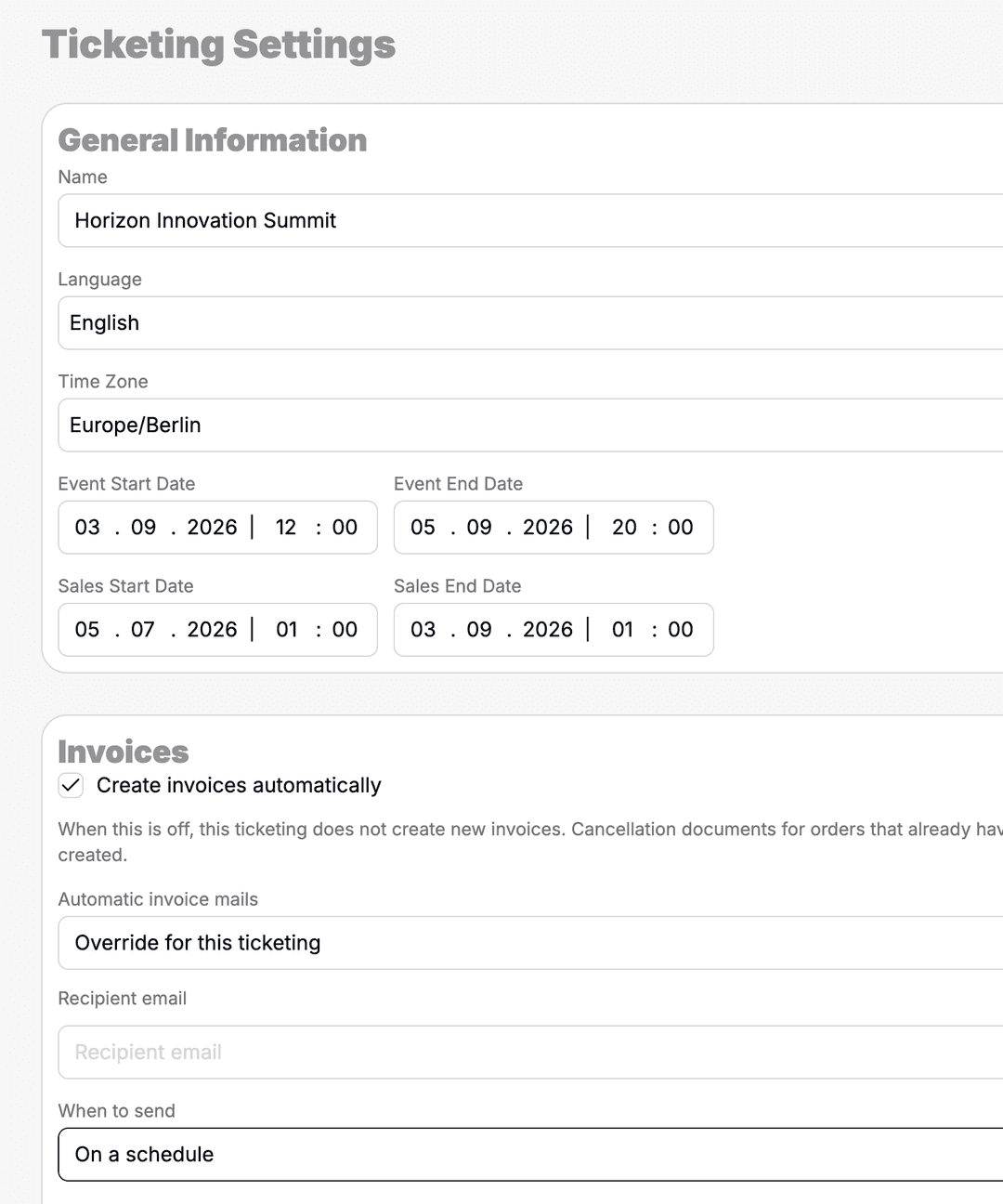
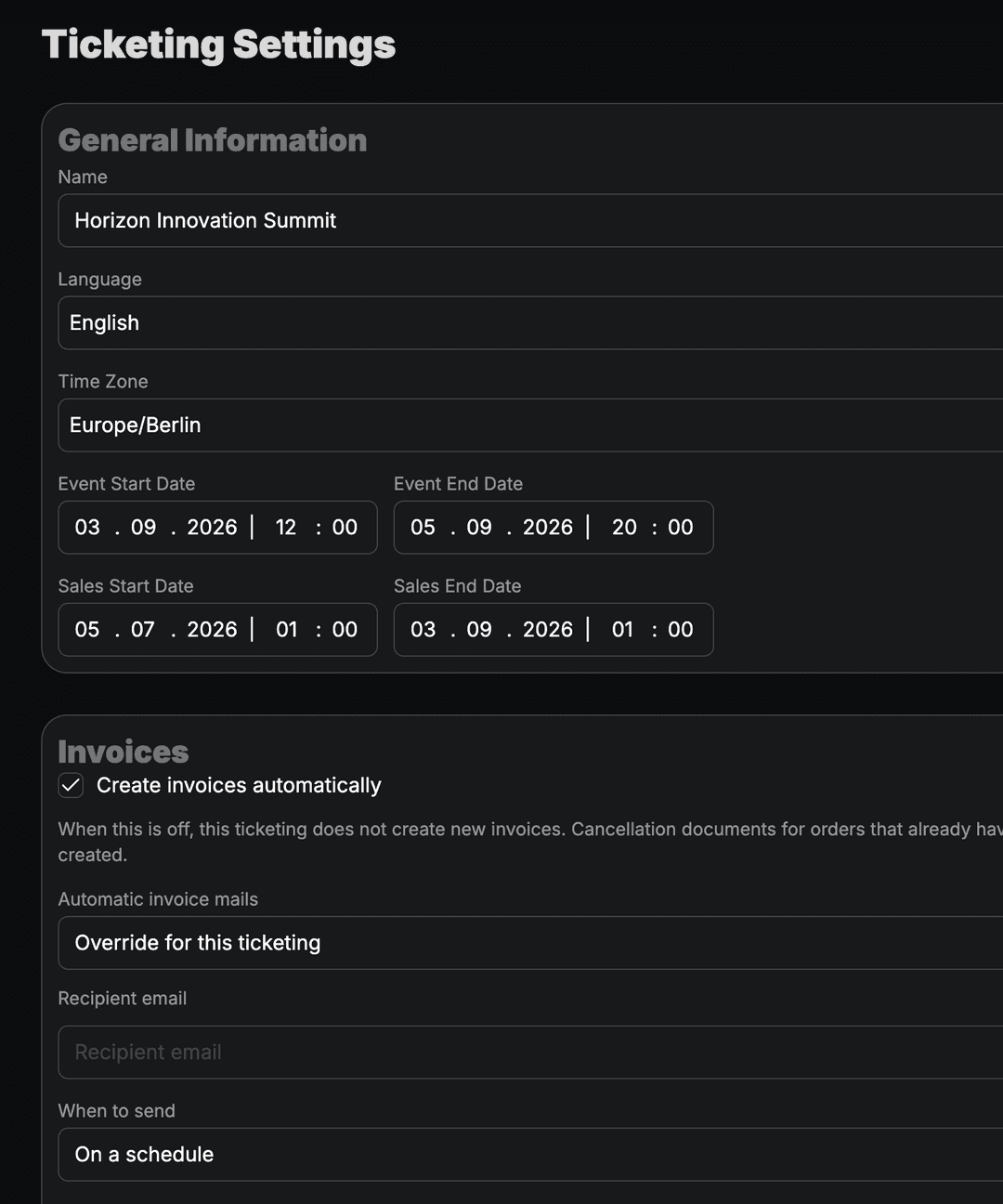
Ticketing Settings
Configure defaults for shops, invoices, and ticket delivery. Central settings keep ticketing consistent across events.
- Default templates and legal texts
- Invoice and receipt configuration
- Ticket format and delivery options
- Organization-wide ticketing defaults
Event Synchronization
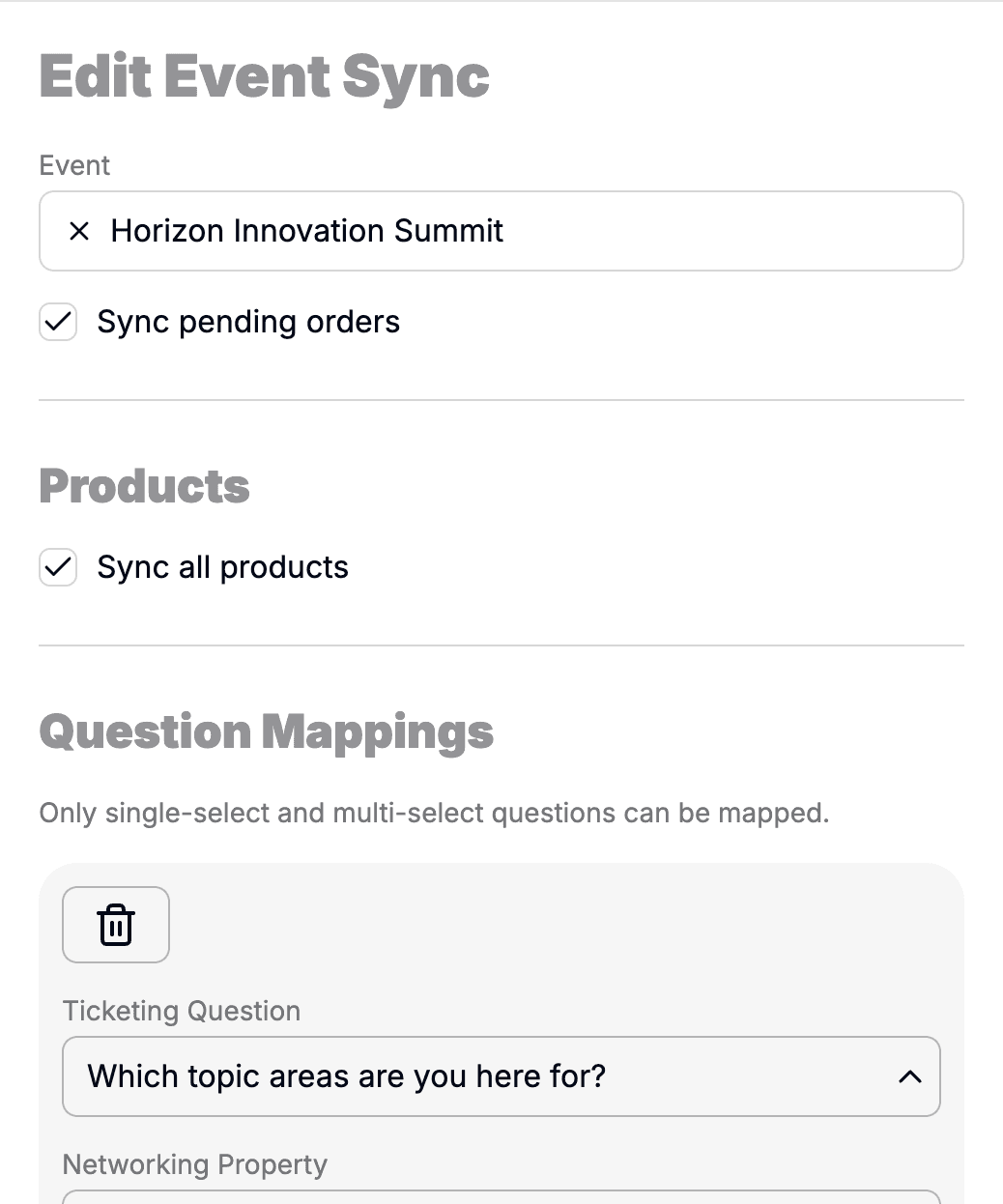
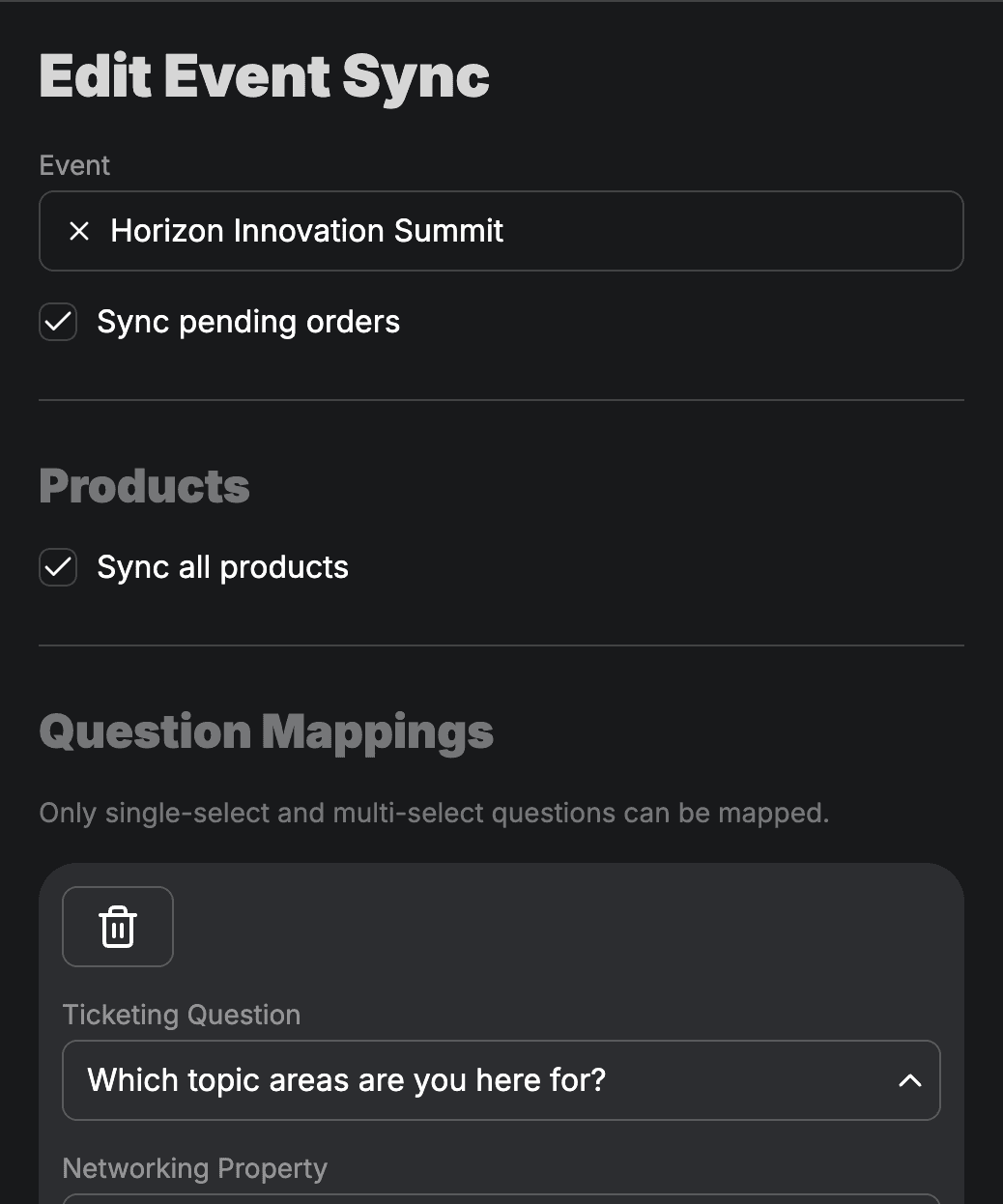
Keep ticketing and event data aligned. Attendees, products, and check-in lists update automatically when events change.
- Attendee data synced to events
- Product links across shop and event
- Check-in lists updated automatically
- Consistent data across modules
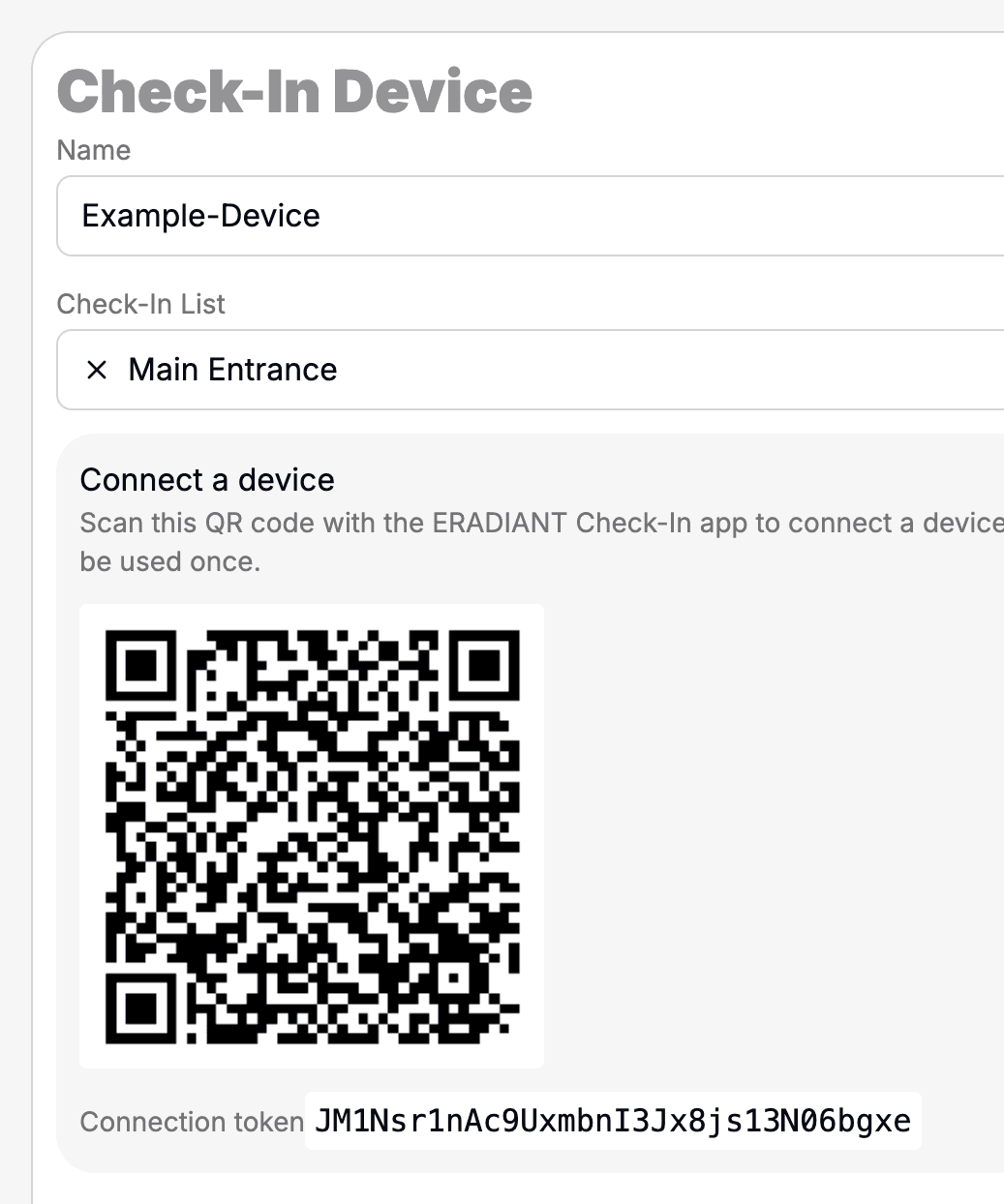
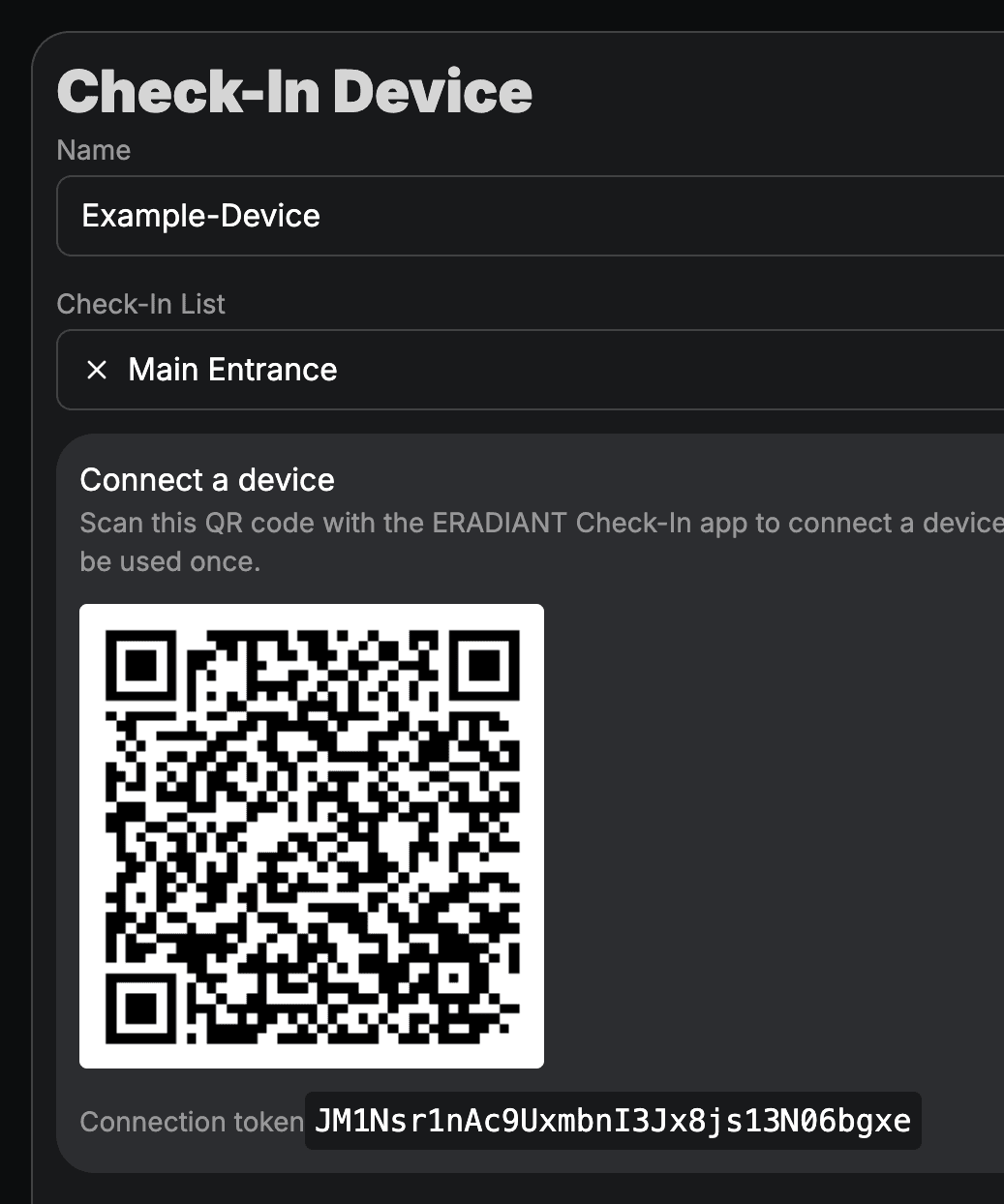
Manage Check-in Devices
Register and manage scanning devices centrally at organization level. All check-in lists across your events use the same devices for reliable admission on site.
- Devices registered once for the organization
- Assignment to check-in lists per event
- Real-time sync with scanning apps
- Overview of active devices on site
Connect Payment Providers
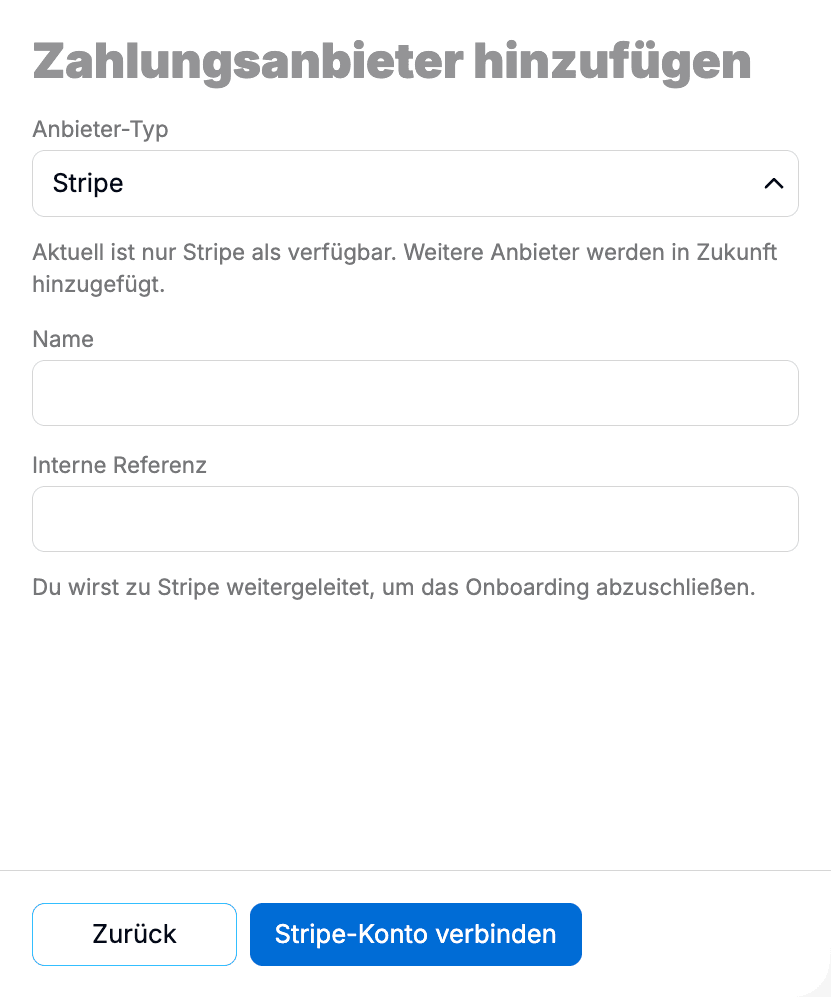
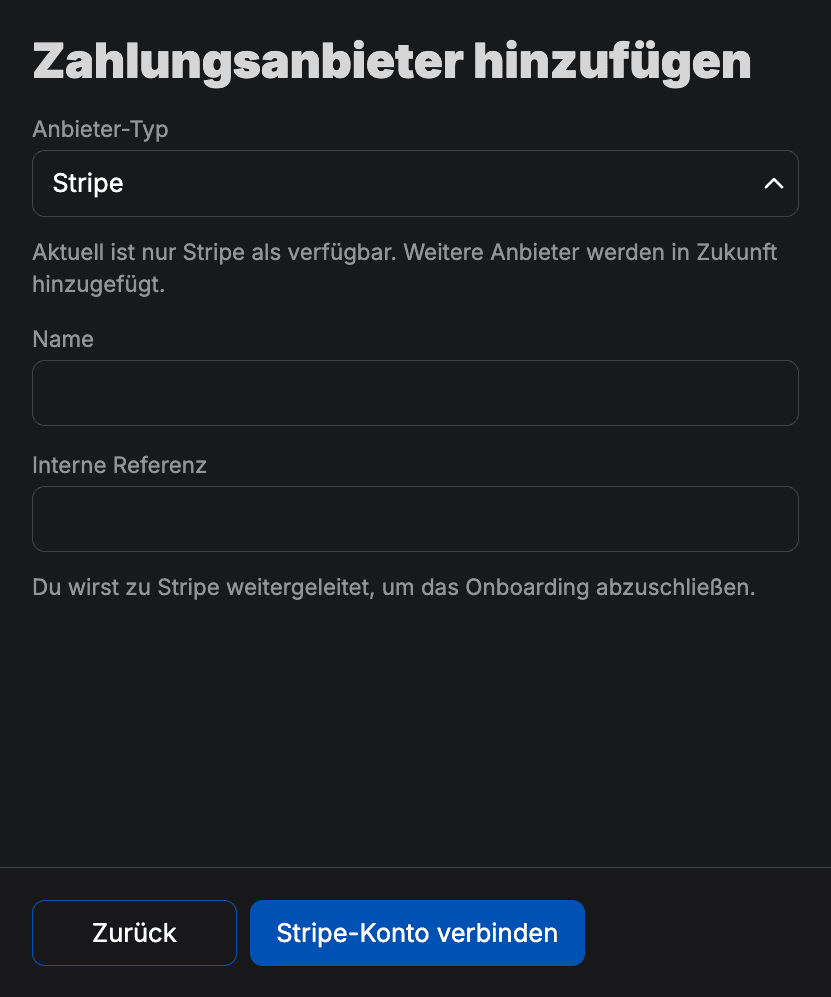
Connect Stripe and other payment providers once for your organization. All ticket shops and orders use the same payment configuration.
- Stripe Connect for direct payments
- One-time configuration at organization level
- Applies to all shops and events
- Reconciled with orders and invoices