Event Module
The event module is the heart of ERADIANT. Plan your program, website, communication, and networking – all in one place for every event.
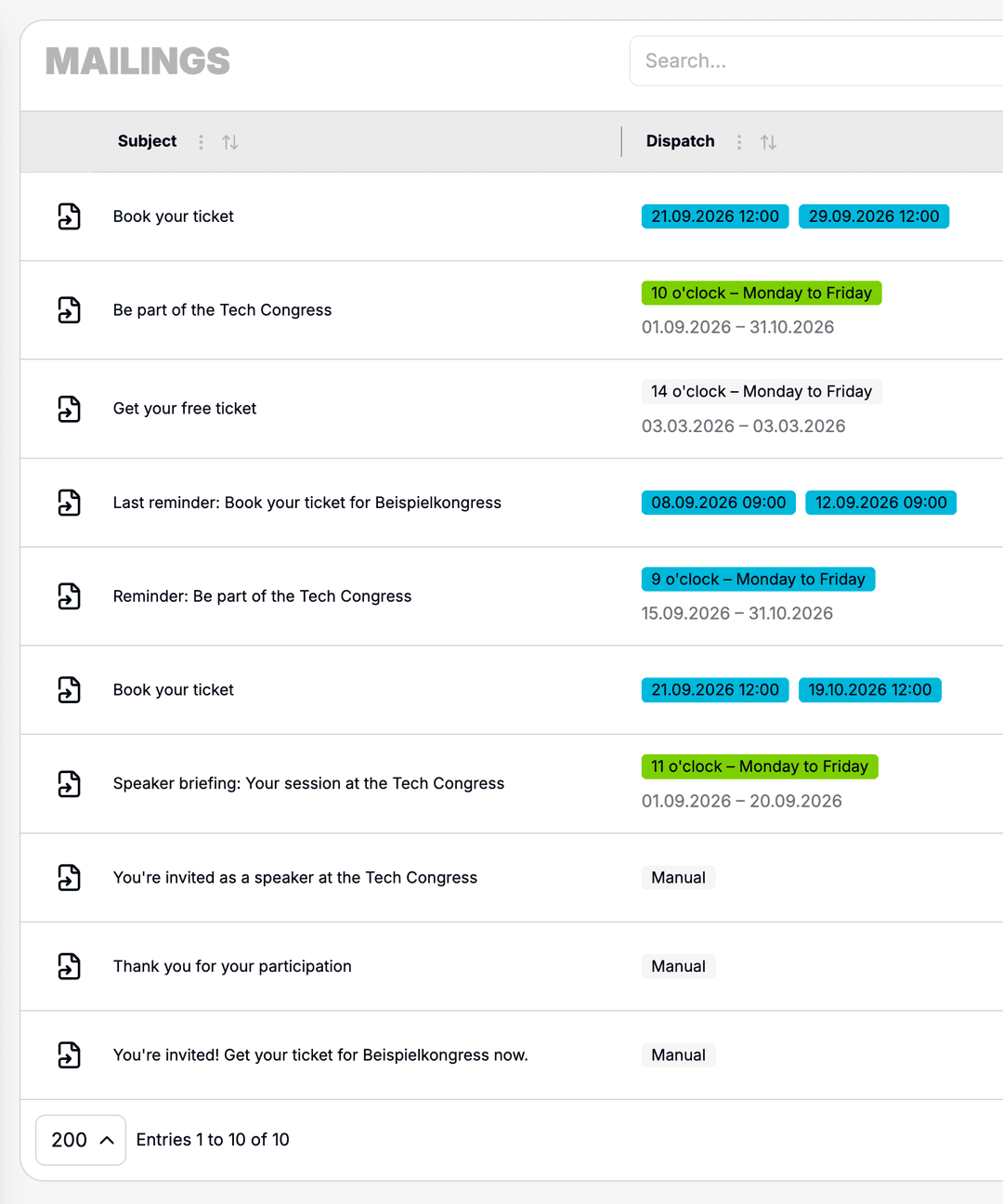
Targeted Mailings
Create invitations, reminders, and follow-ups directly in the event. Templates, recipient lists, and send history stay organized in one place.
- Templates with event branding and personalized content
- Scheduled delivery to contacts and attendees
- Send history and open-rate statistics
- Linked to contacts and leads
Structured Lead Categories
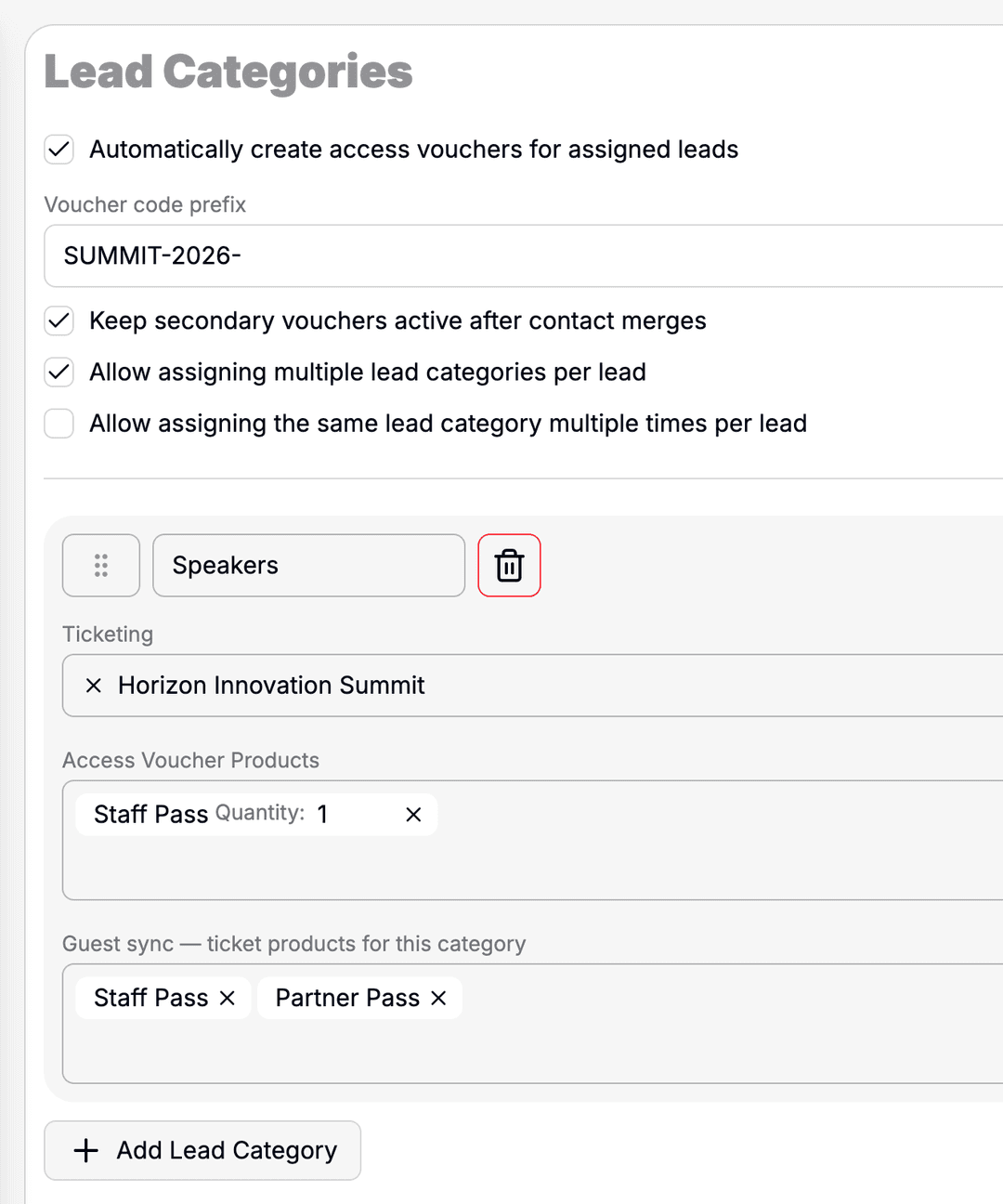
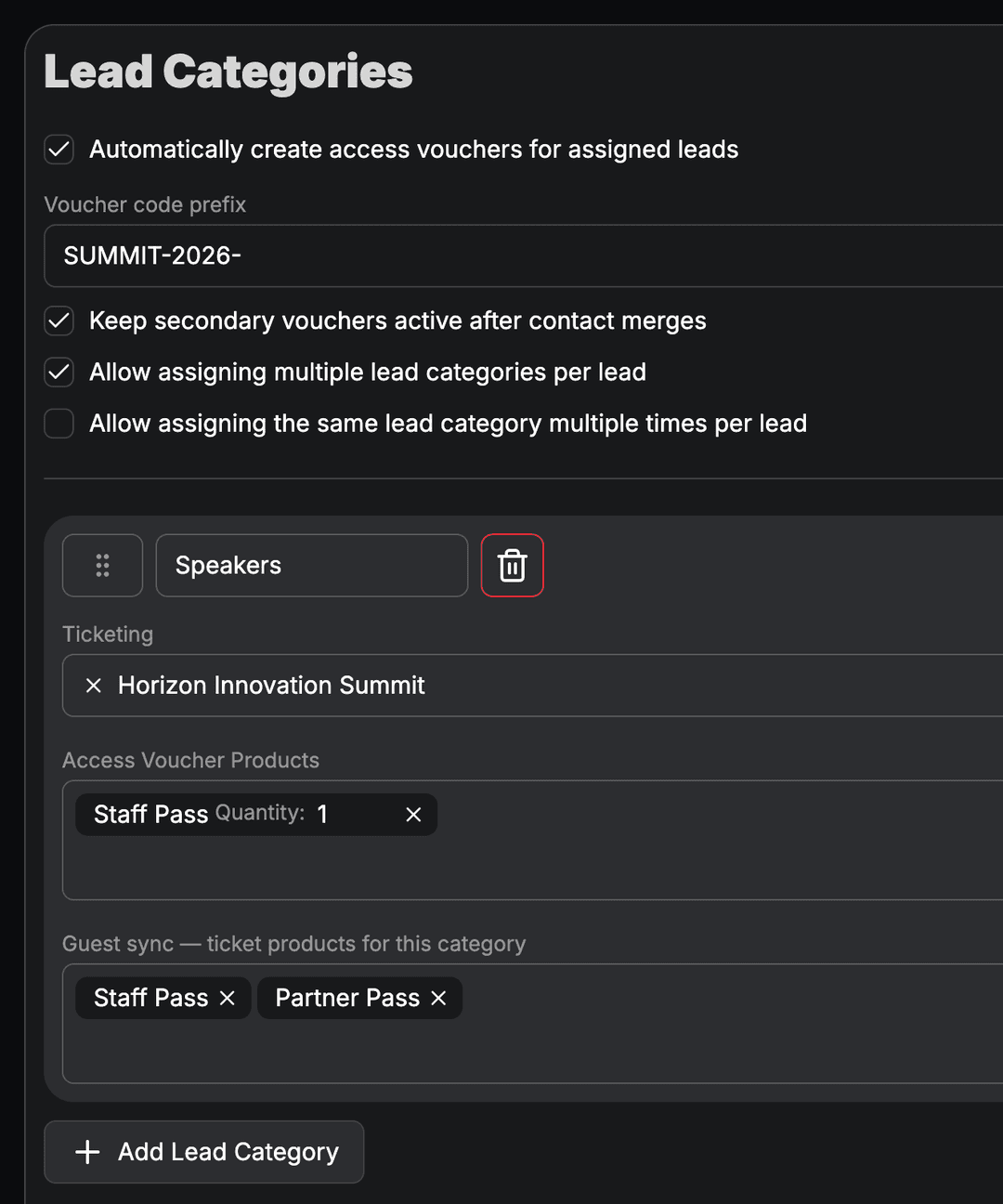
Organize leads by category and connect them to ticketing products, vouchers, and mailings. Keep prospects, partner leads, and attendees clearly separated.
- Define categories for leads and prospects
- Link to access vouchers and ticket products
- Optionally allow multiple categories per lead
- Foundation for mailing audiences and reporting
Your Event Website
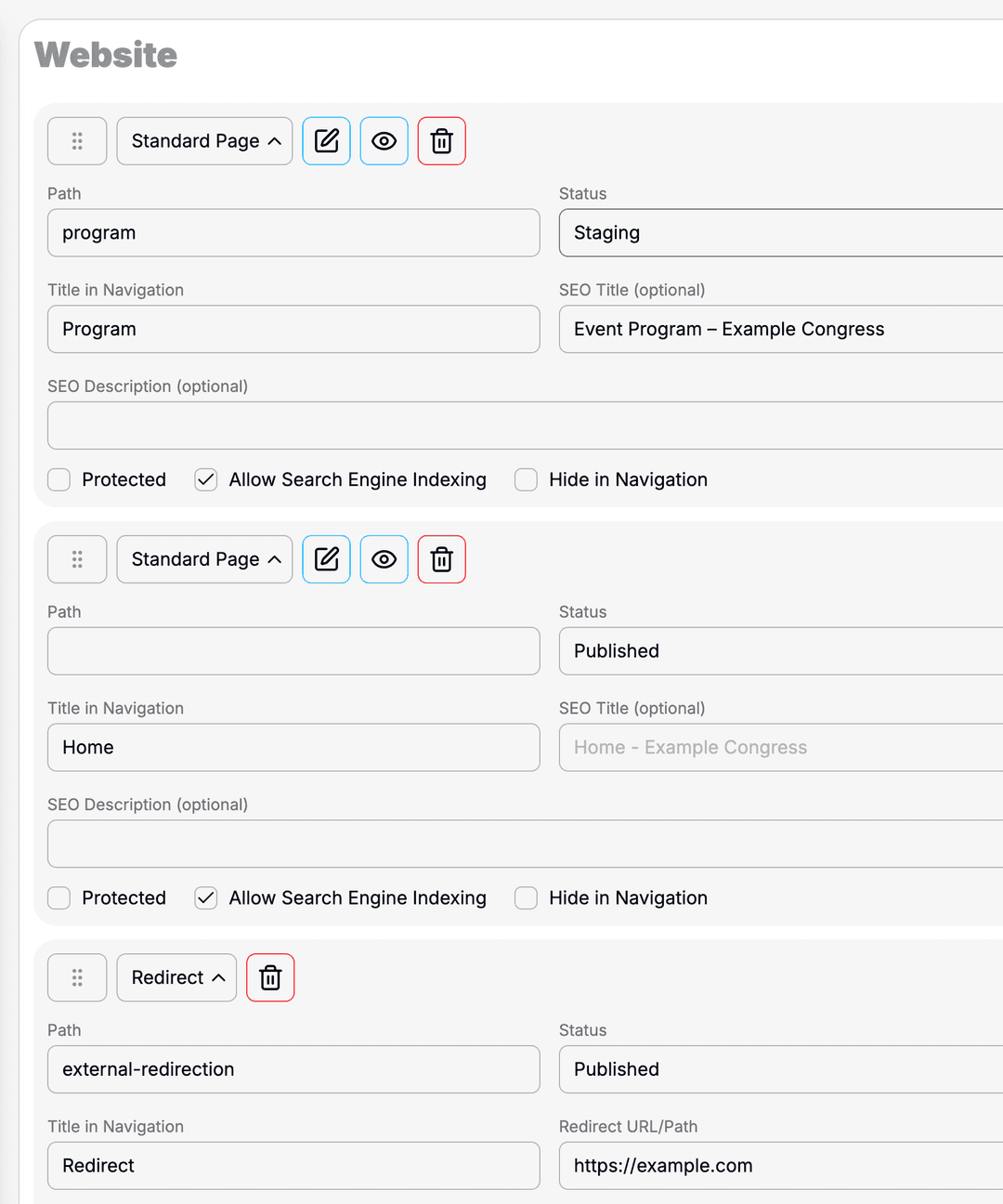
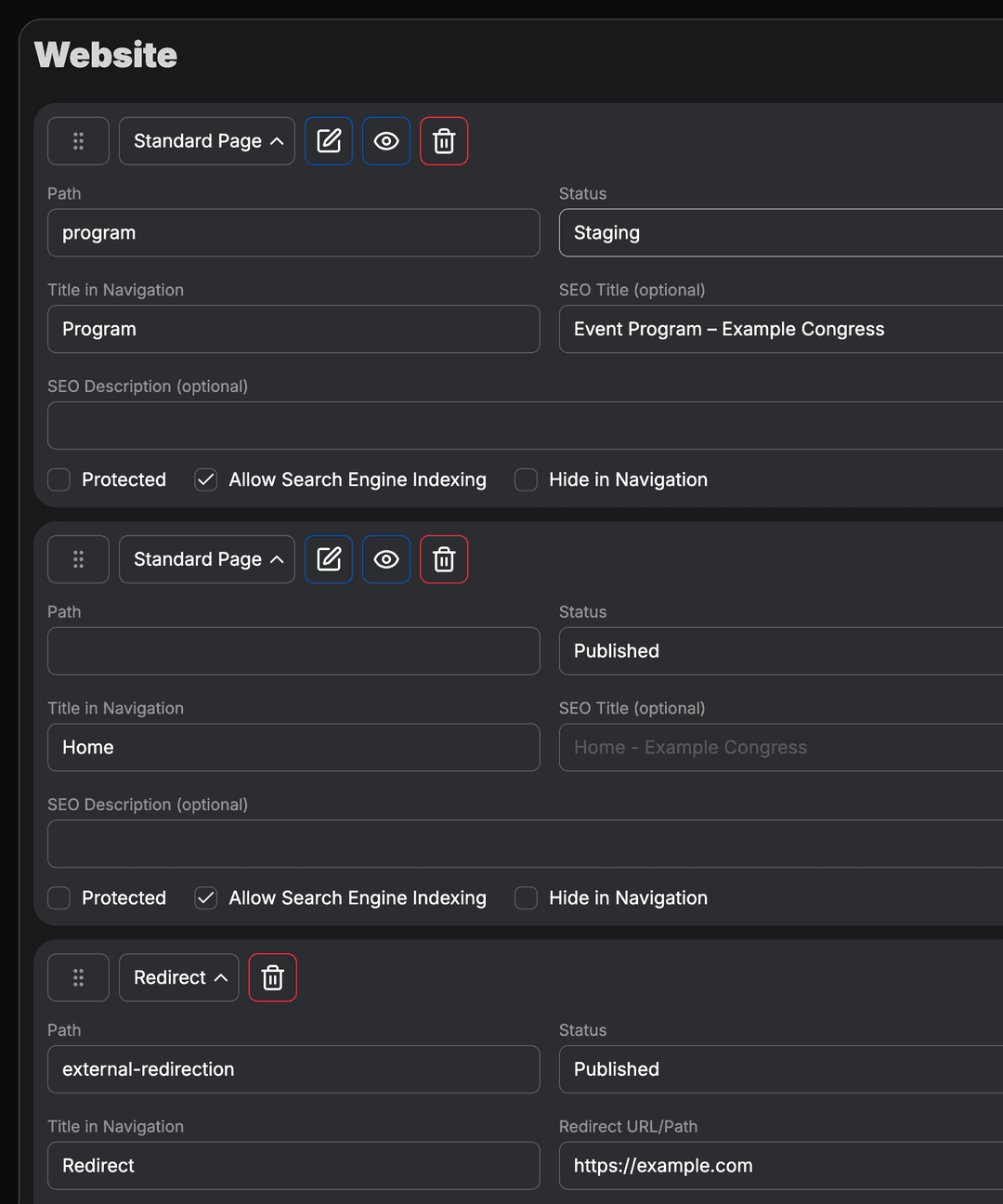
Build the public event website with flexible blocks – from program and speaker profiles to FAQ, gallery, and ticket shop.
- Page builder with ready-made content sections
- Interactive program and speaker overview
- Locations, floor plans, and FAQ section
- Seamless CI integration with your brand
Direct Event Feedback
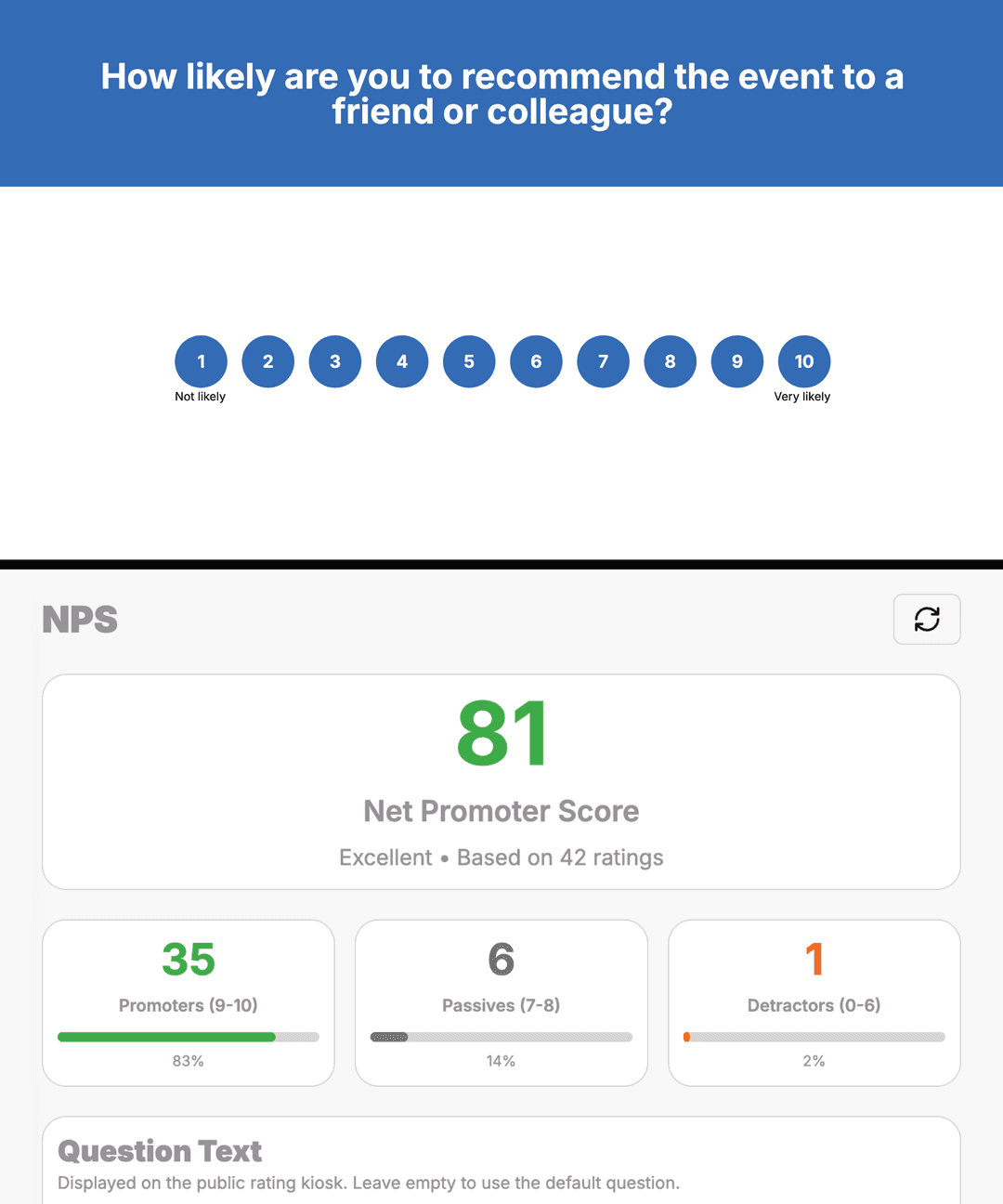
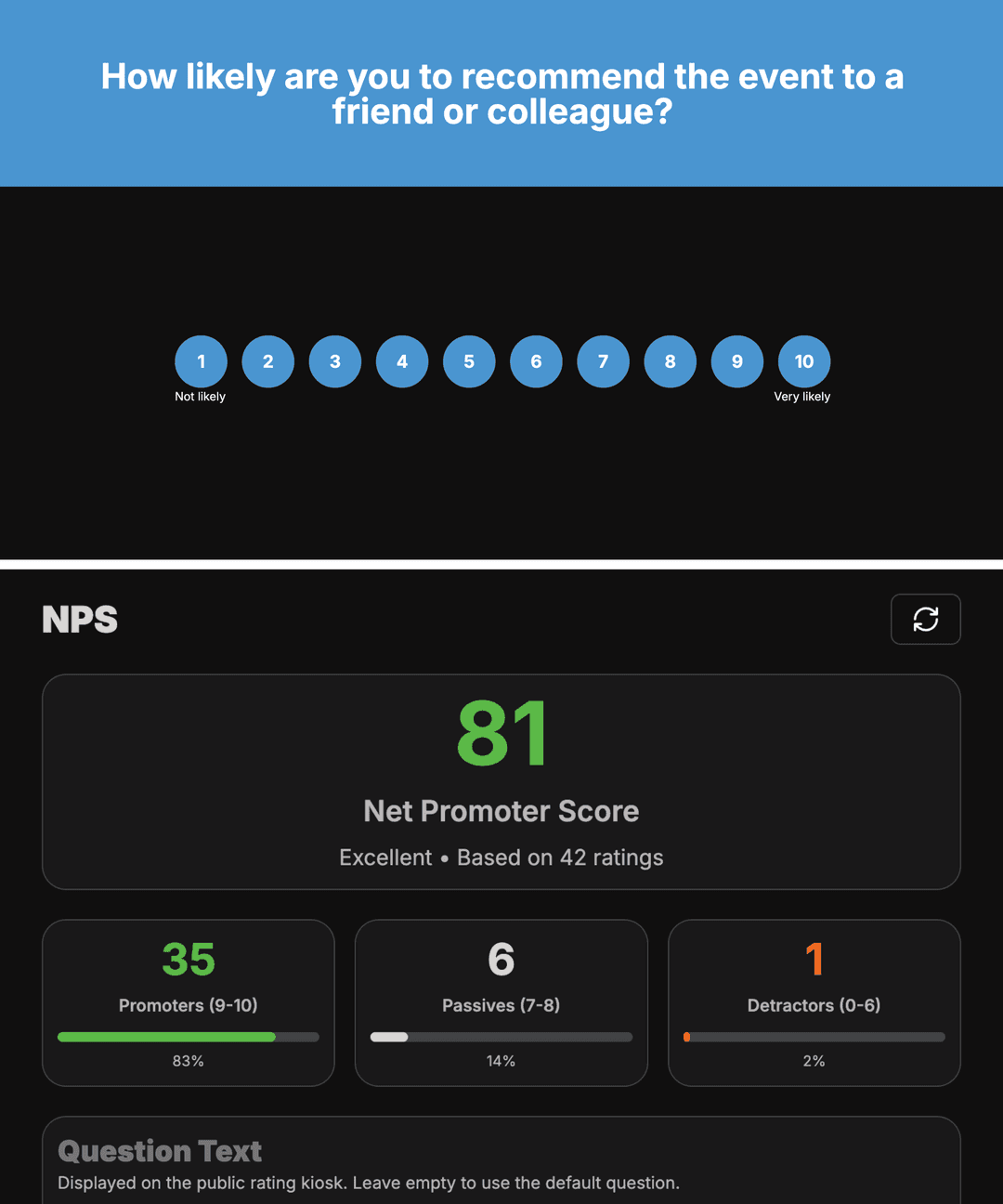
Collect Net Promoter Score at your event exit via a public rating kiosk. Customize the question for your event and review ratings directly in the dashboard.
- Public rating kiosk for tablets at the exit
- Custom question text per event
- Live overview of recent ratings
- Optimized for 16:9 displays in full-screen mode
Live On-Site Monitors
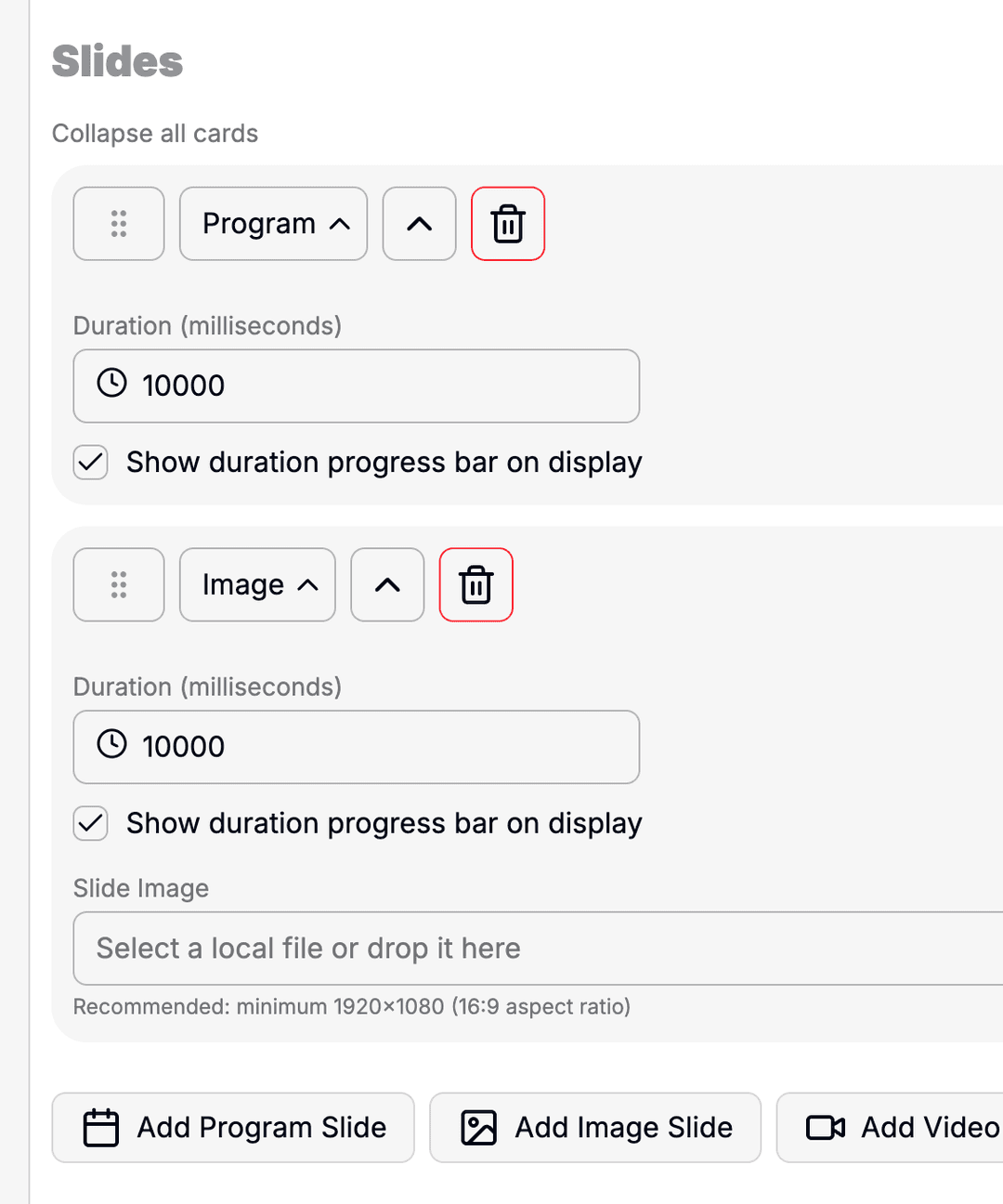
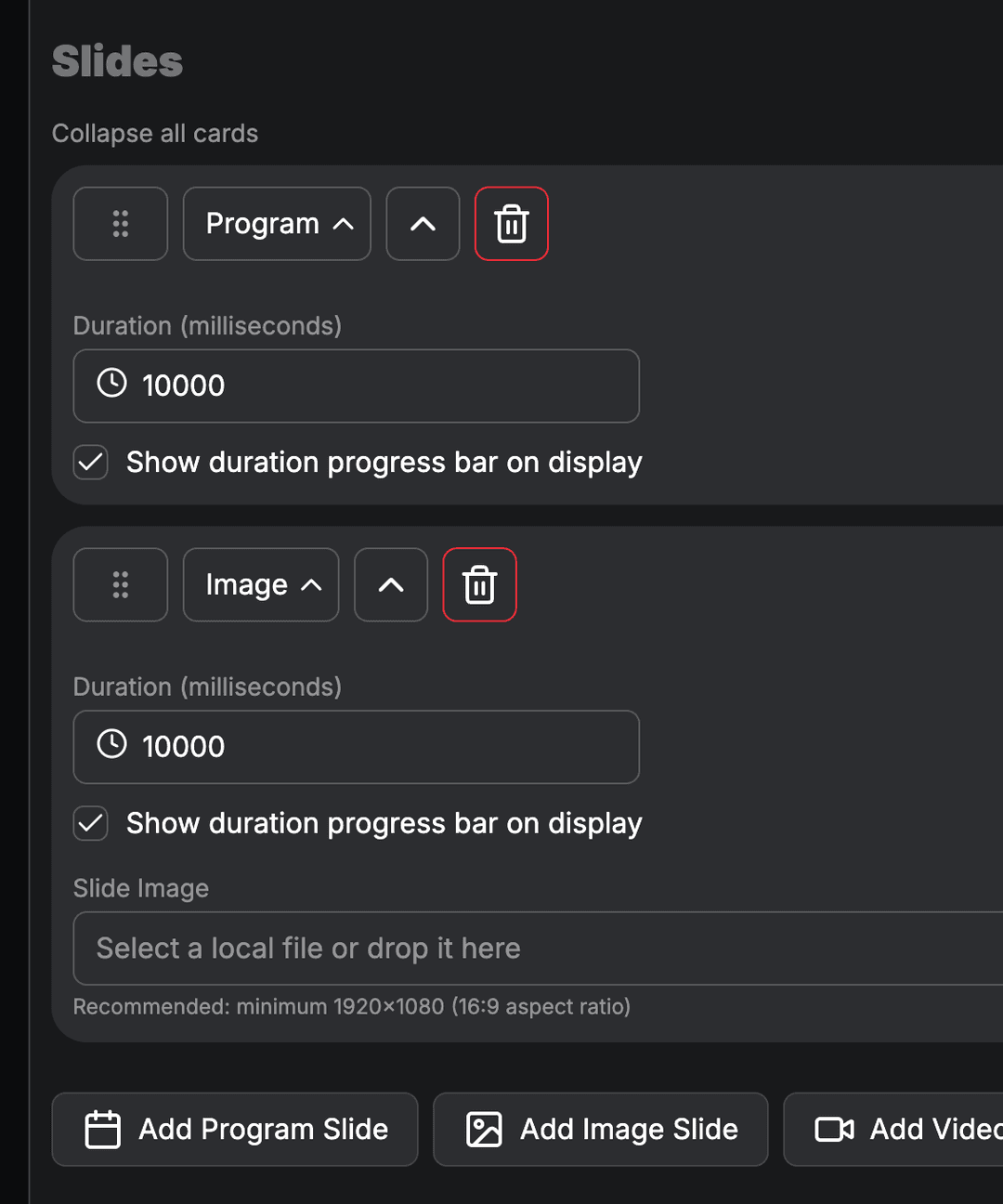
Configure monitor views with program slides, images, and videos. Devices on site open a public URL and run without further interaction.
- Multiple monitor views per event
- Slides with program, image, or video
- Configurable display duration and playback
- Public URL for unattended displays
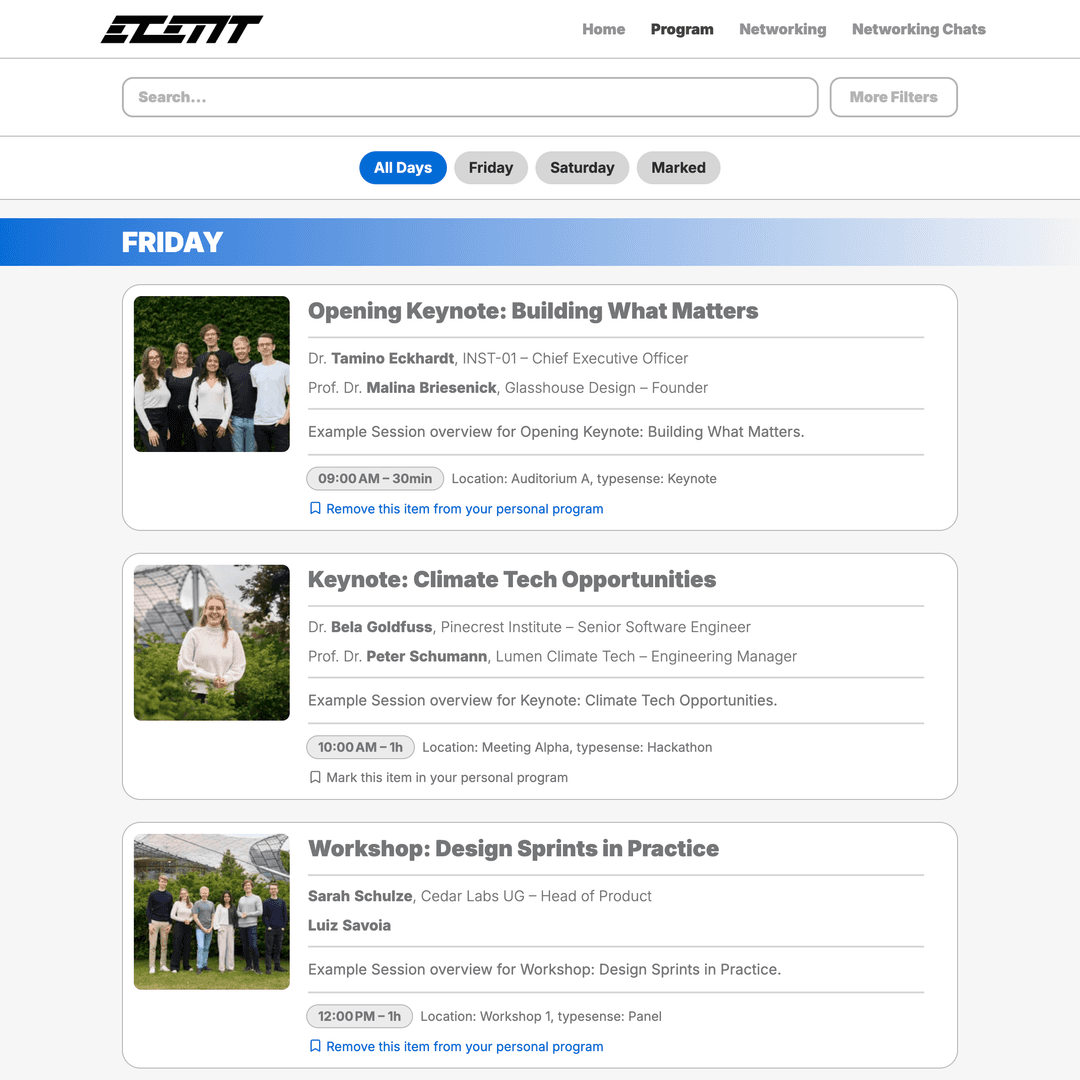
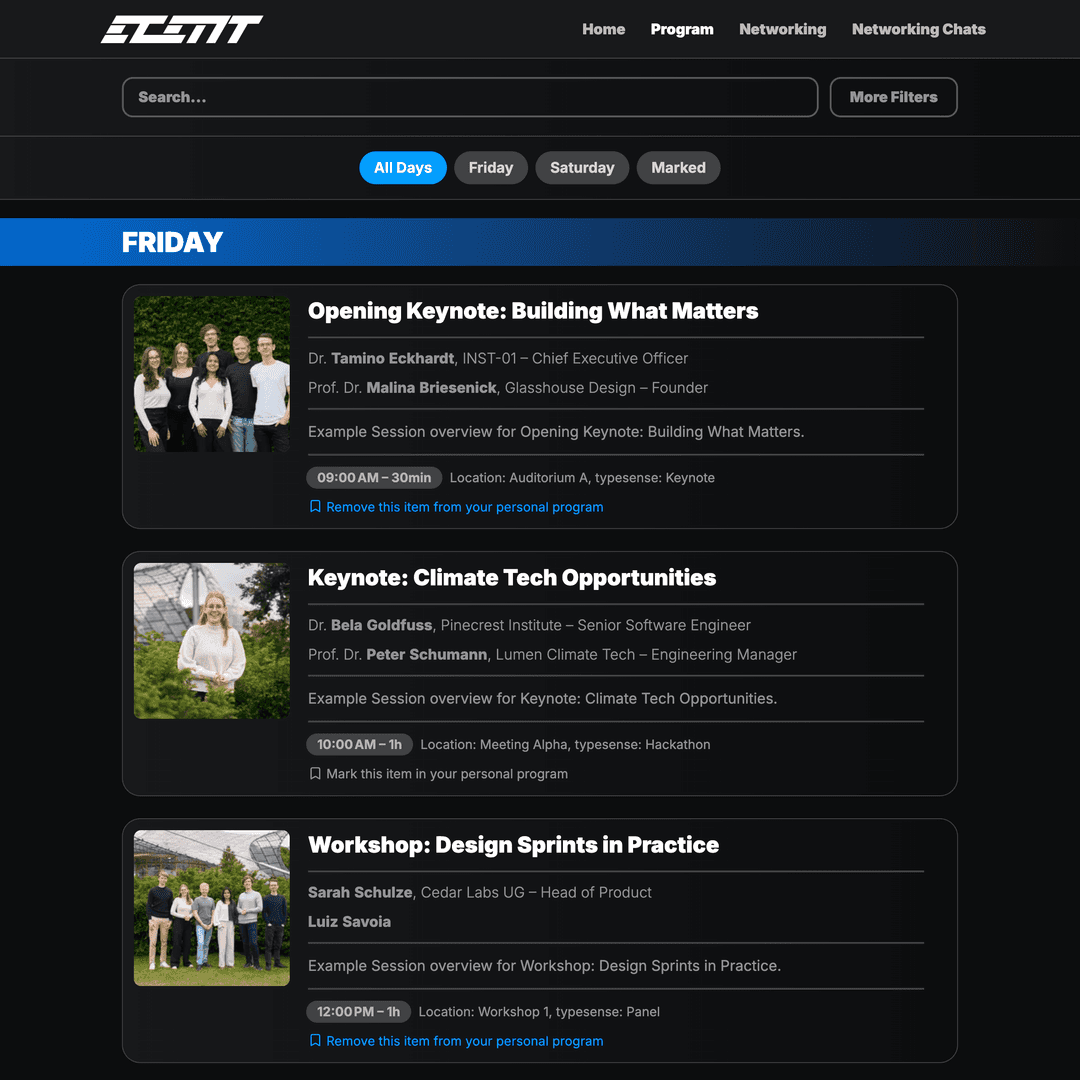
Interactive Program
Plan sessions, speakers, and time slots centrally. Changes in the backend appear immediately on the website and in the app.
- Sessions with times, locations, and speaker assignment
- Filters and search for attendees
- Favorites for a personal program
- Real-time synchronization of all changes
Networking & Interaction
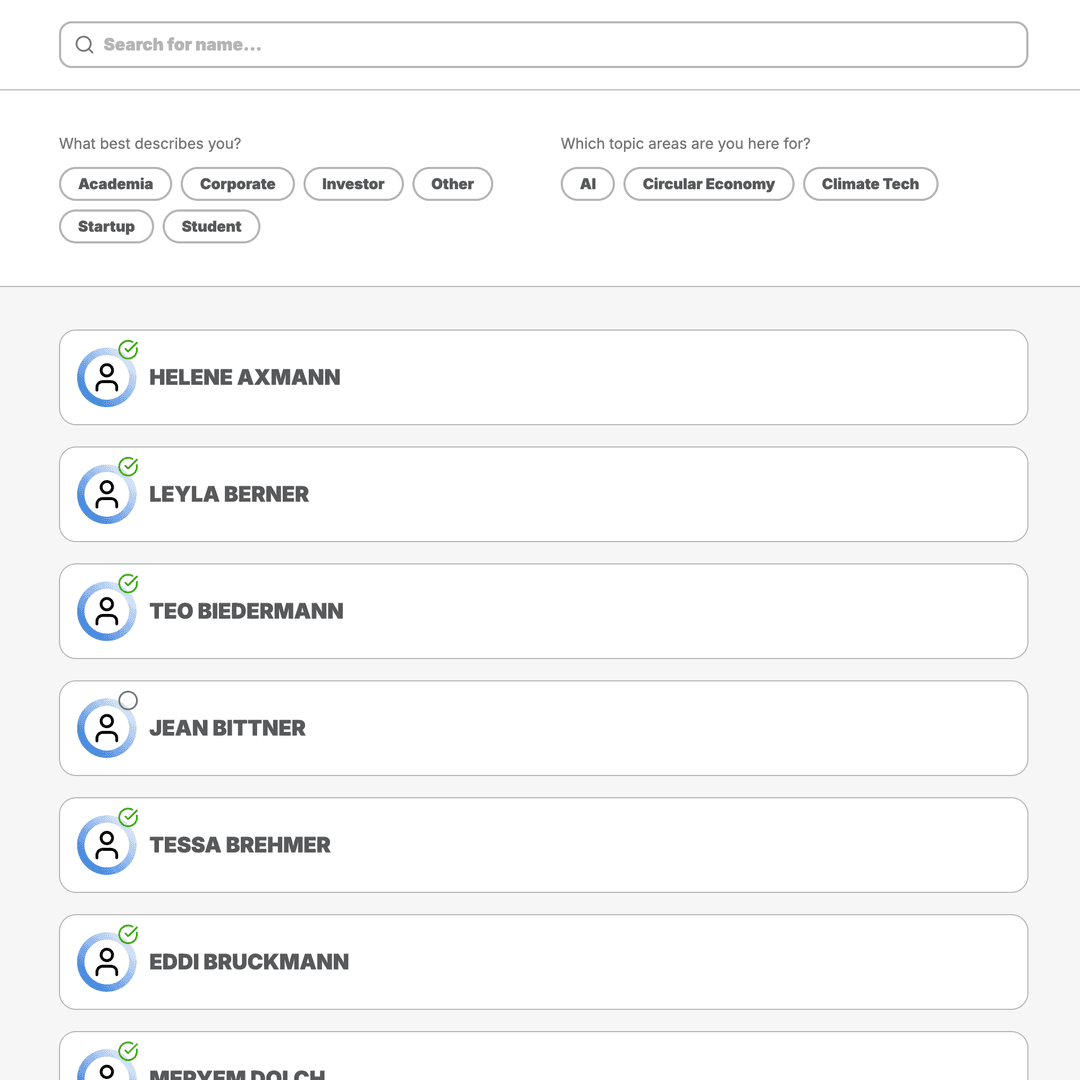
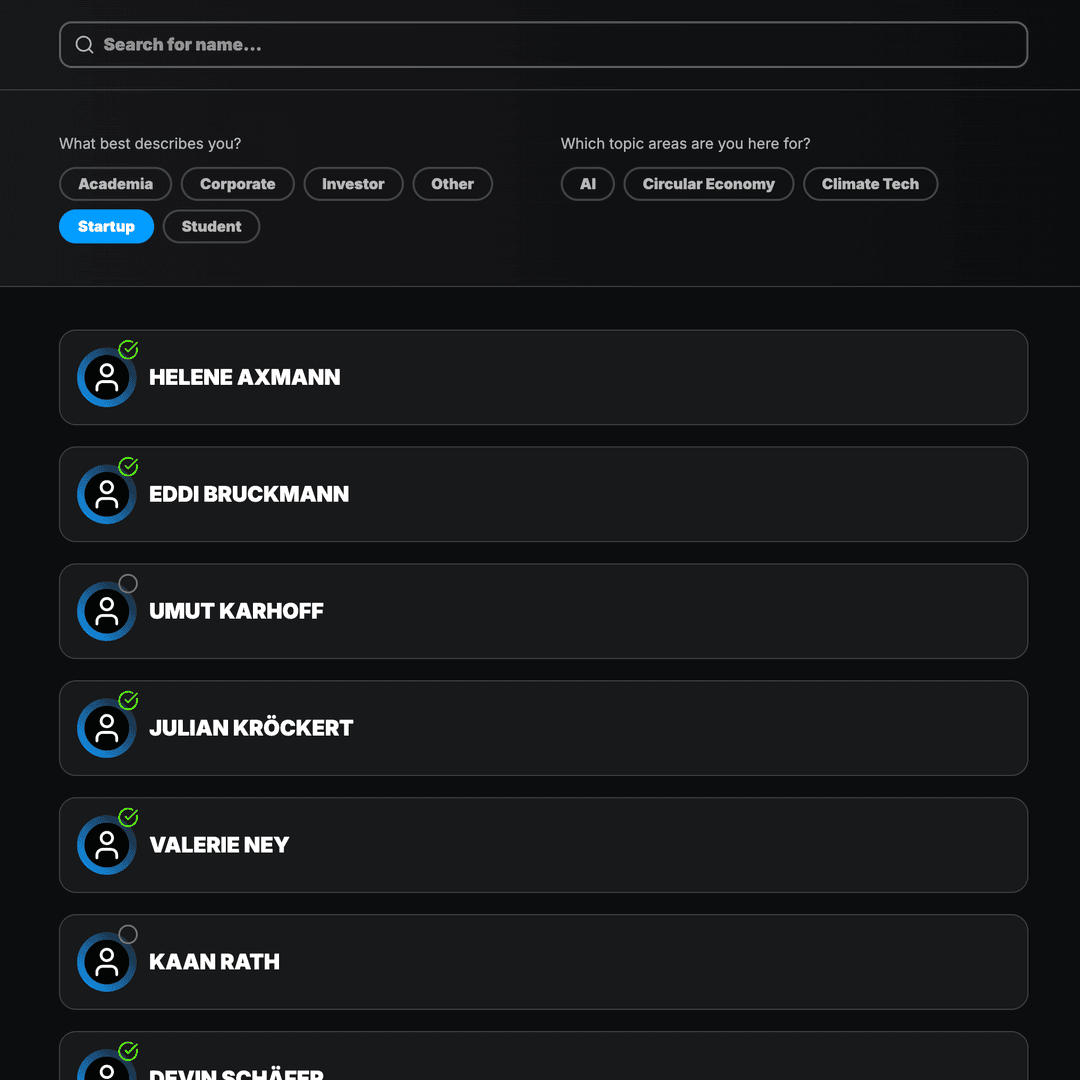
Enable targeted networking before and during the event. Attendees find suitable contacts and schedule meetings directly on site.
- Profiles with attributes and matching filters
- Appointment booking with time slots and venues
- Direct chat between attendees
- Overview of accepted meetings for organizers
Partners & Sponsors
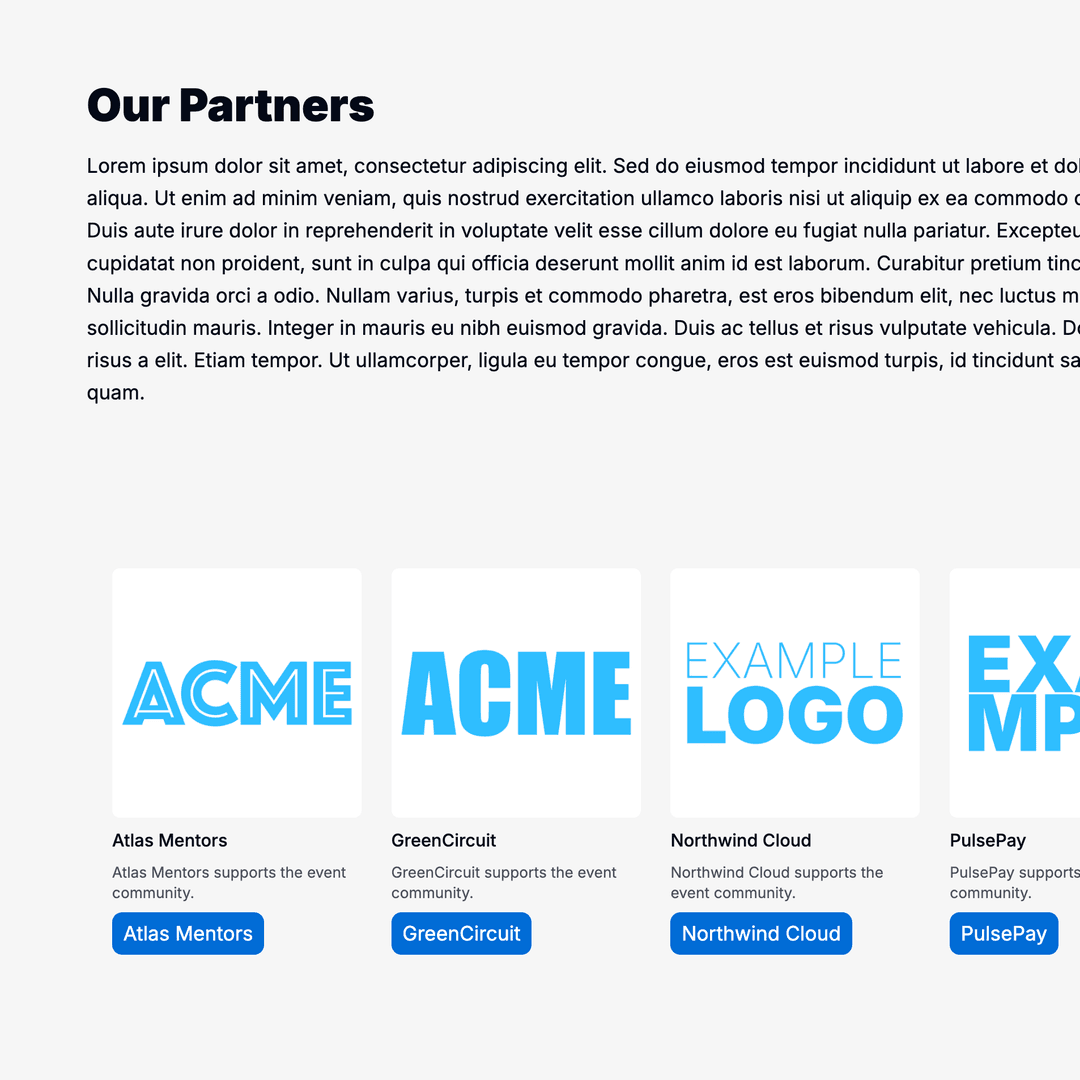
Manage partners and sponsors with profiles, logos, and tags. Control visibility on the website and in the app from one place.
- Partner profiles with logo and description
- Assignment to program and website sections
- Filtering via partner tags
- Clear presentation for attendees
Event Settings
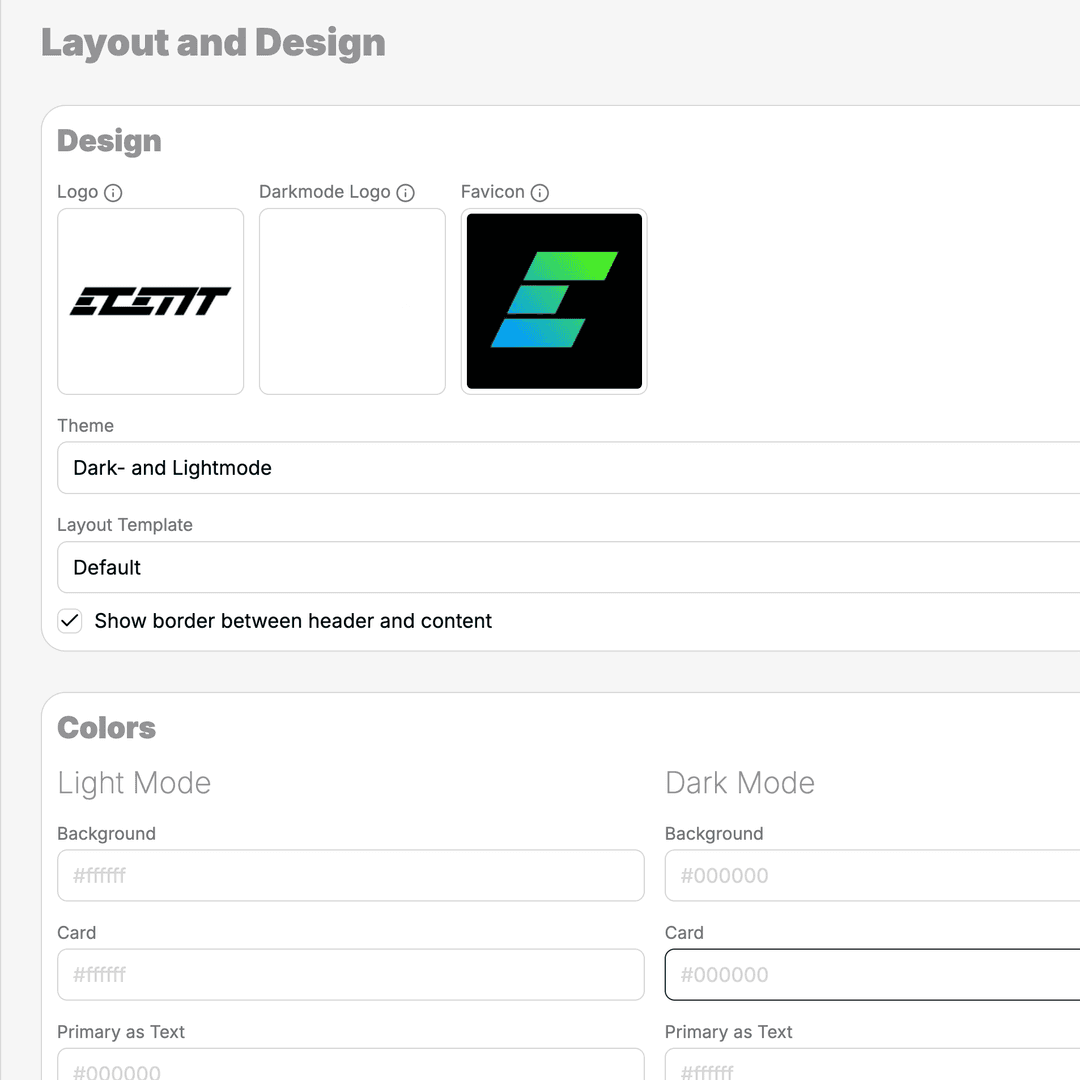
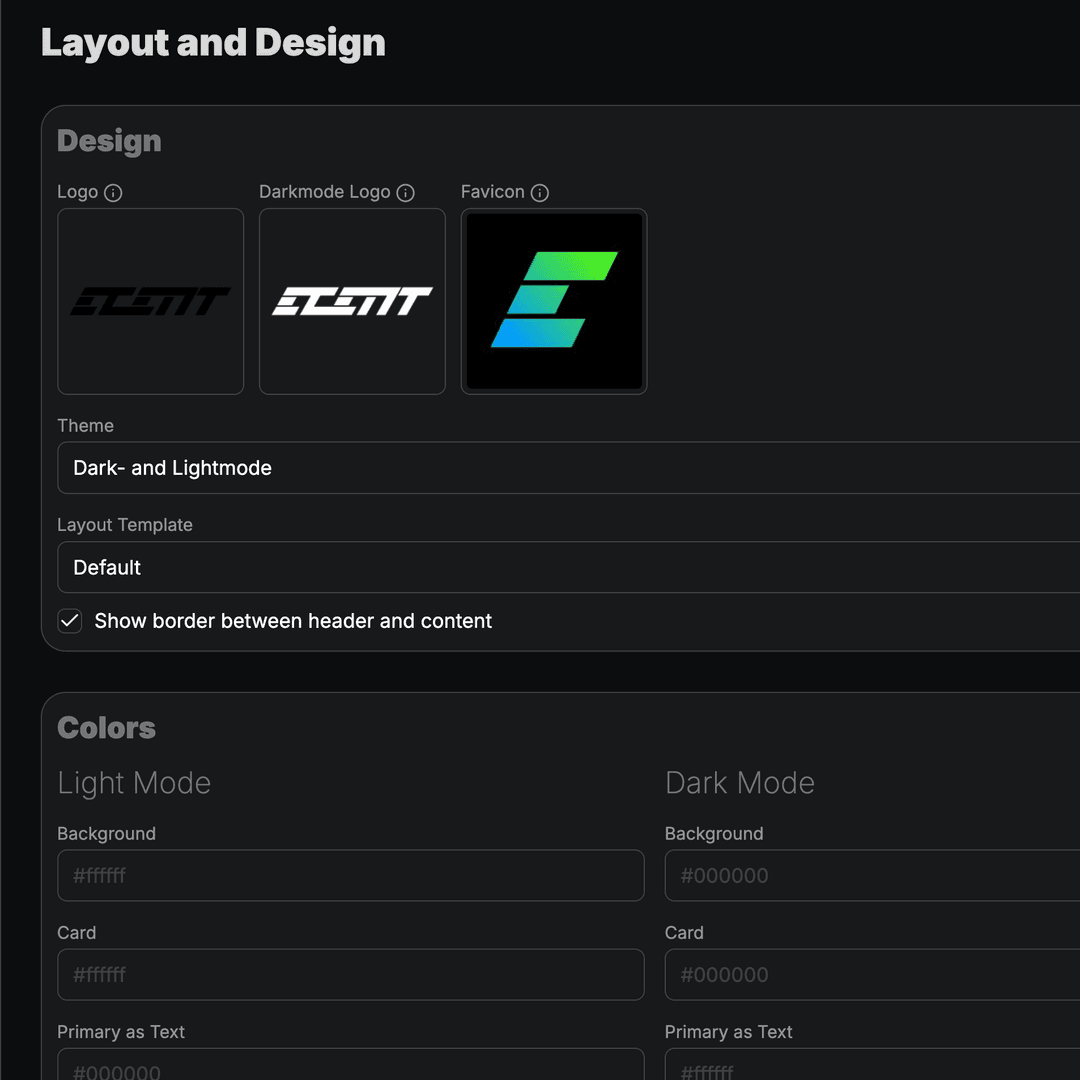
Configure core event parameters, branding, and public-facing behavior – all from one central place.
- Event name, date range, and visibility
- Branding, colors, and design templates
- Languages and address forms
- Legal texts and footer
Manage Attendees
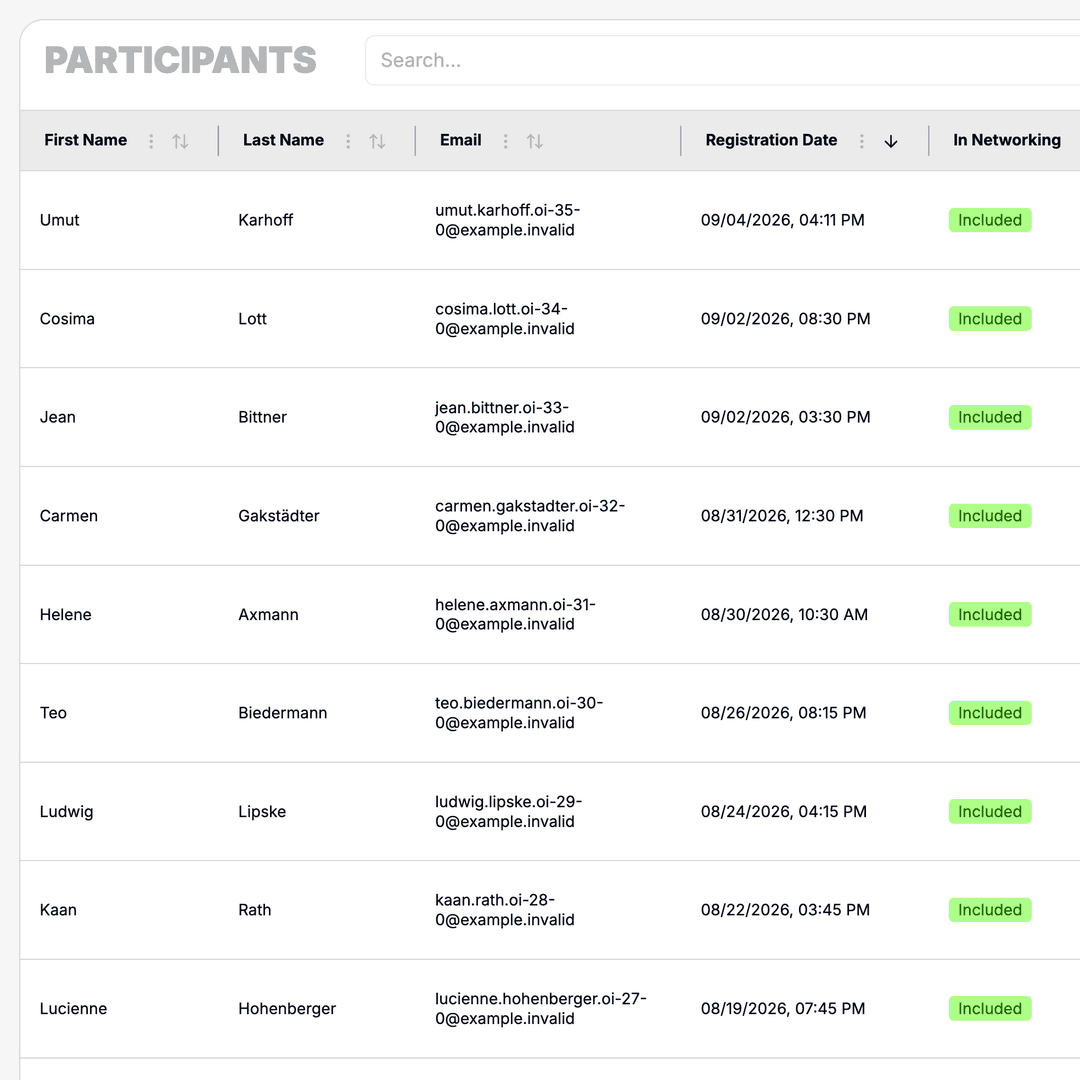
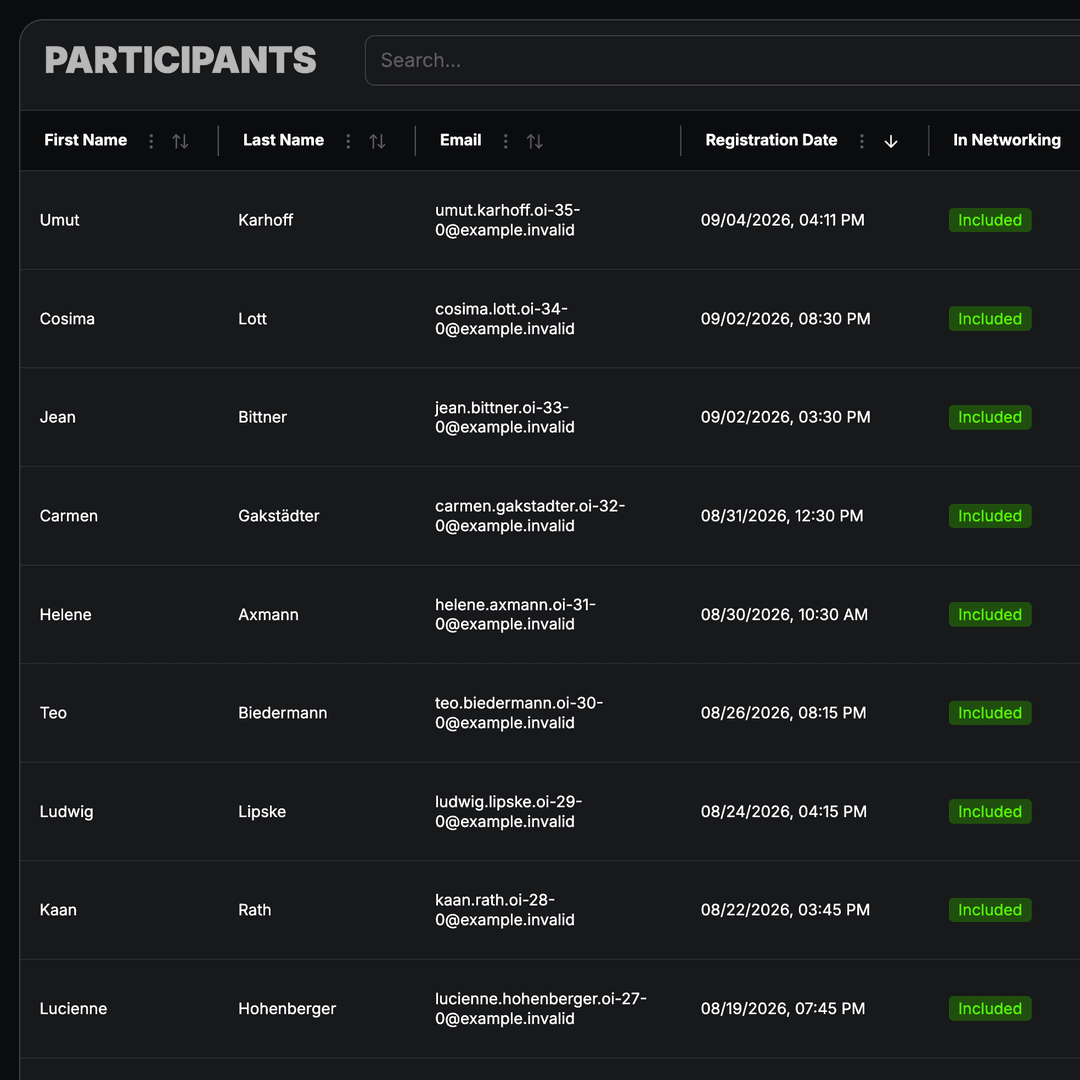
Keep track of all registered participants. Data from ticketing and manual registrations flows into one central overview.
- Central list of all event attendees
- Import from ticketing and contacts
- Filter and search profiles
- Linked to networking and mailings
Meaningful Statistics
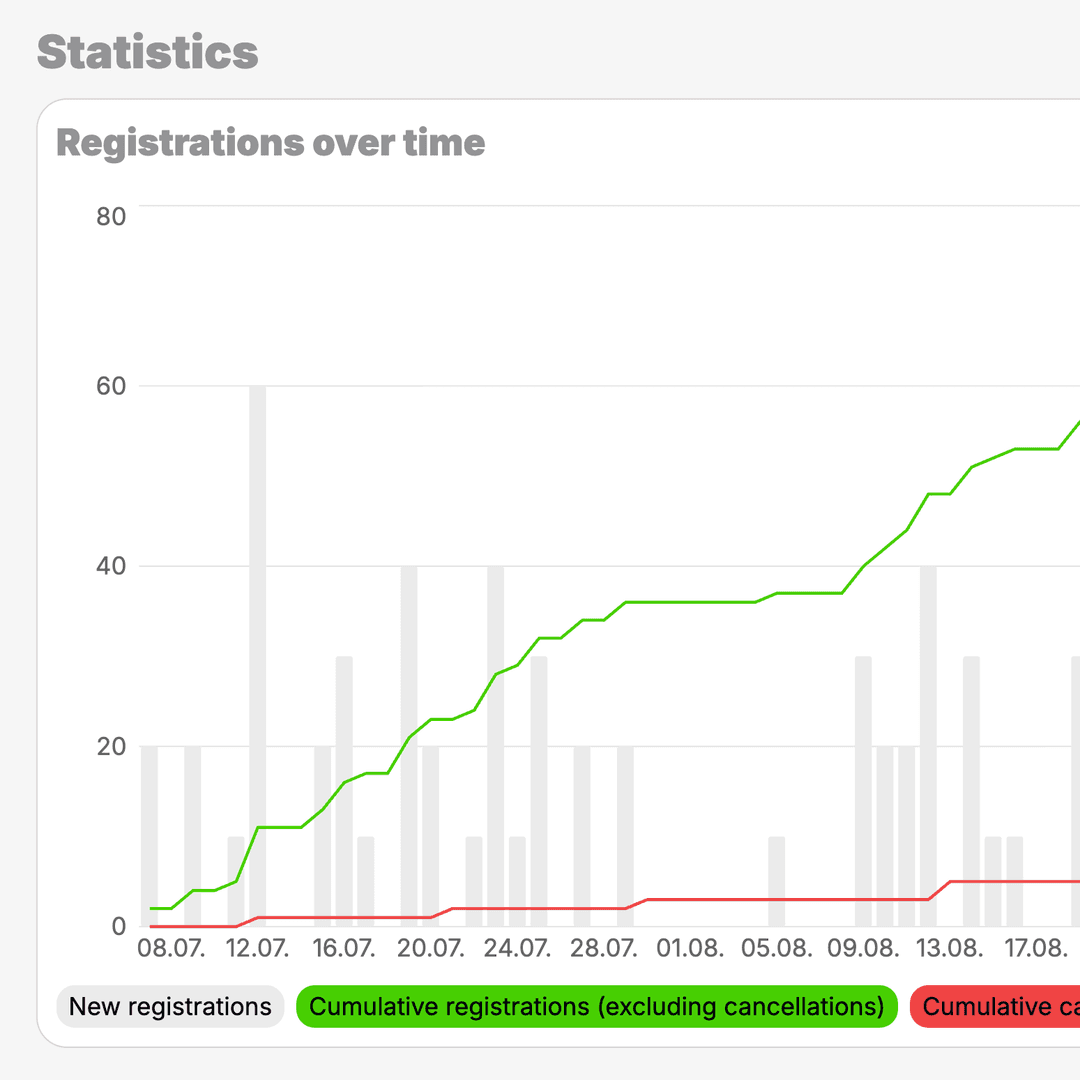
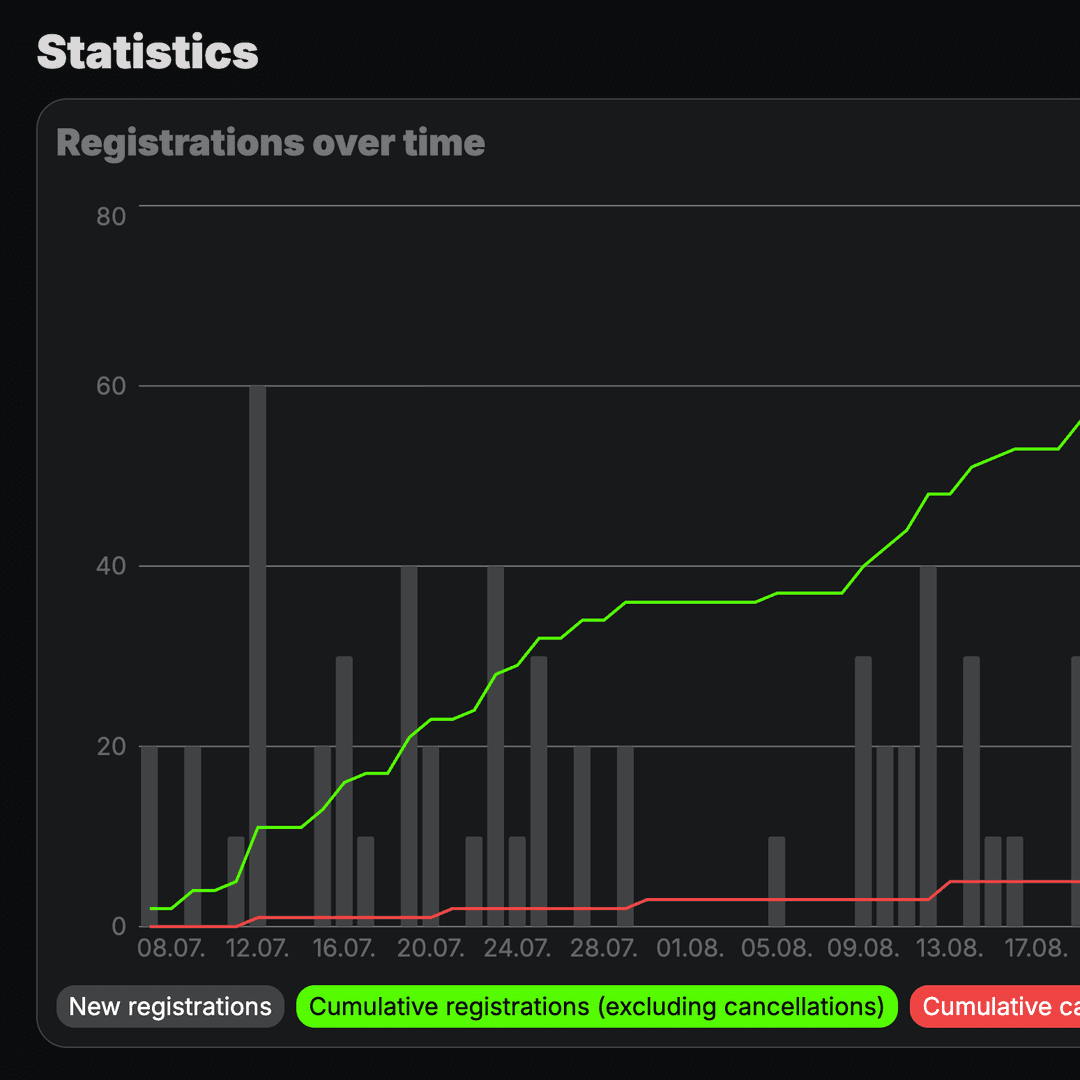
See at a glance how your event is performing – from registrations and mailing reach to usage of individual areas.
- Metrics for registrations and attendance
- Mailing open and click rates
- Usage of program and networking
- Exportable reports for your team
Buildings & Rooms
Structure buildings and rooms for floor plans and venue details. Information stays consistent and easy to maintain across events.
- Manage buildings with associated rooms
- Linked to locations and program
- Foundation for floor plans on the event website
- Consistent venue details for attendees
Central Locations
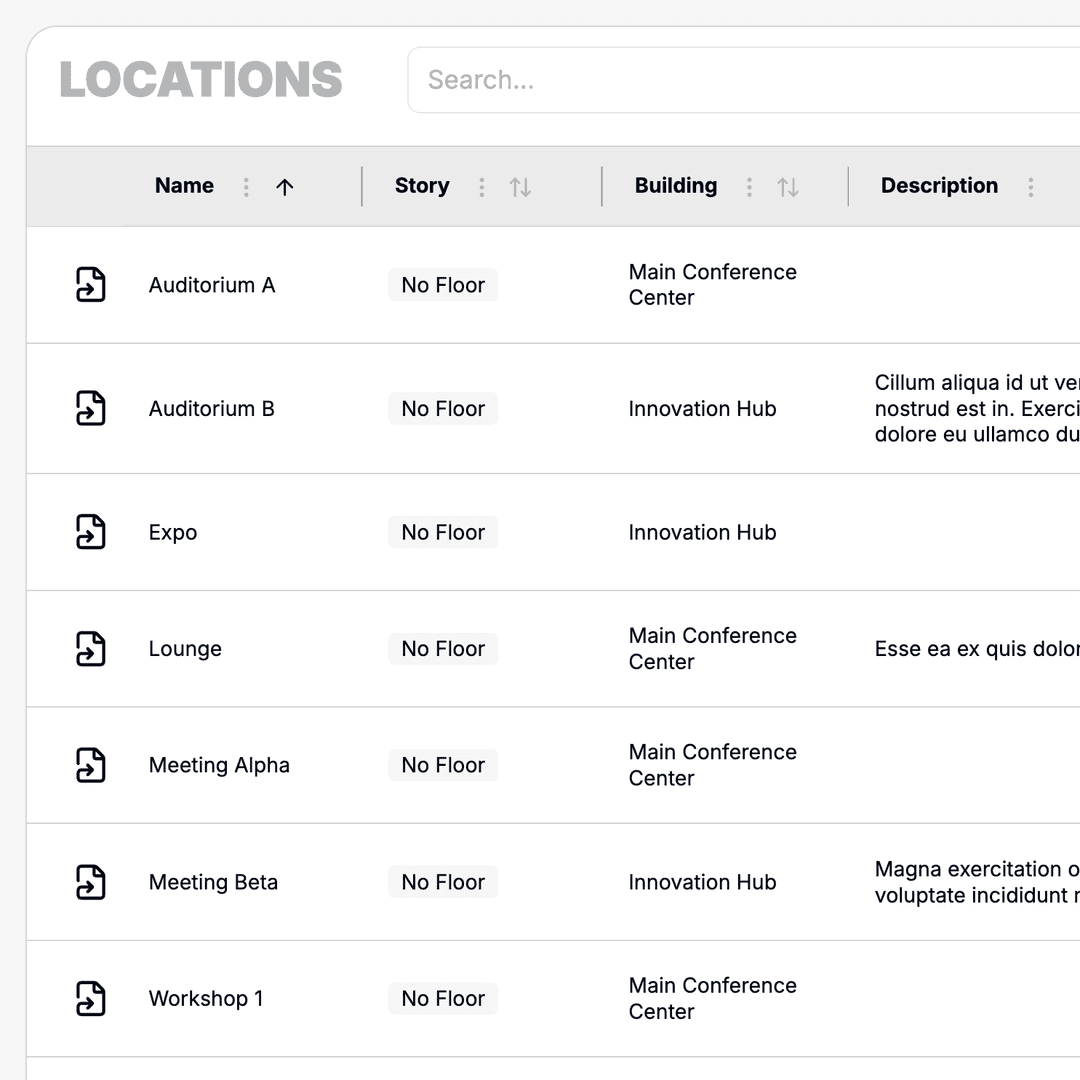
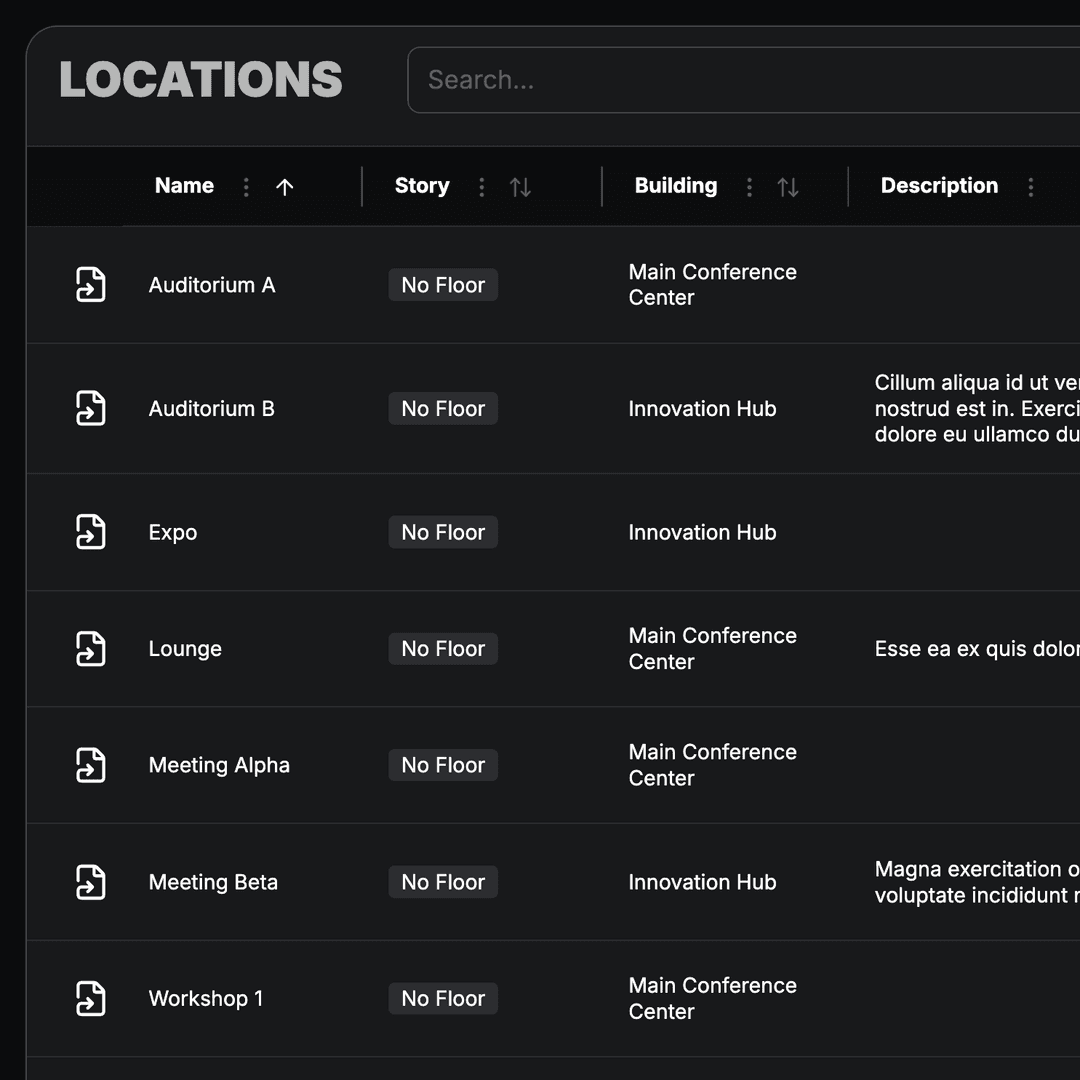
Maintain event venues once at organization level and use them in program, maps, and networking across all events.
- Locations managed centrally for the organization
- Assignment to sessions and program items
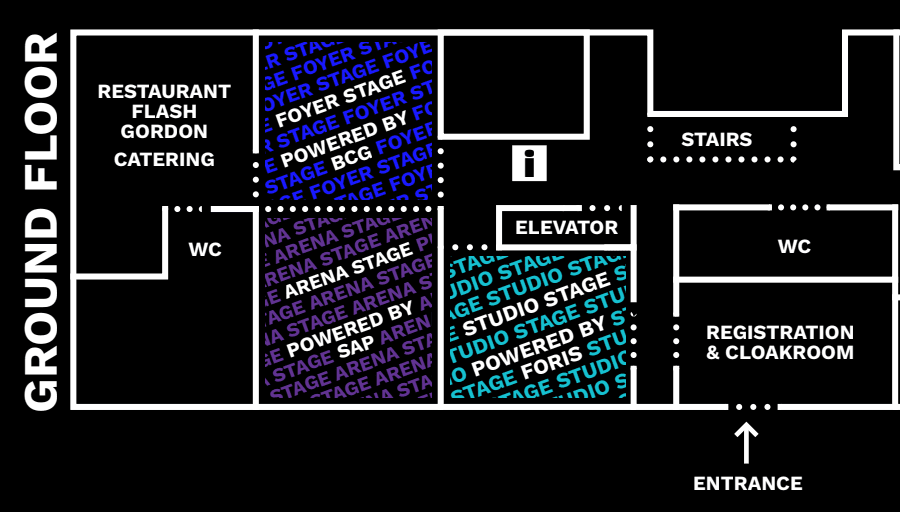
- Foundation for floor plans and maps
- Reused in networking and on the website
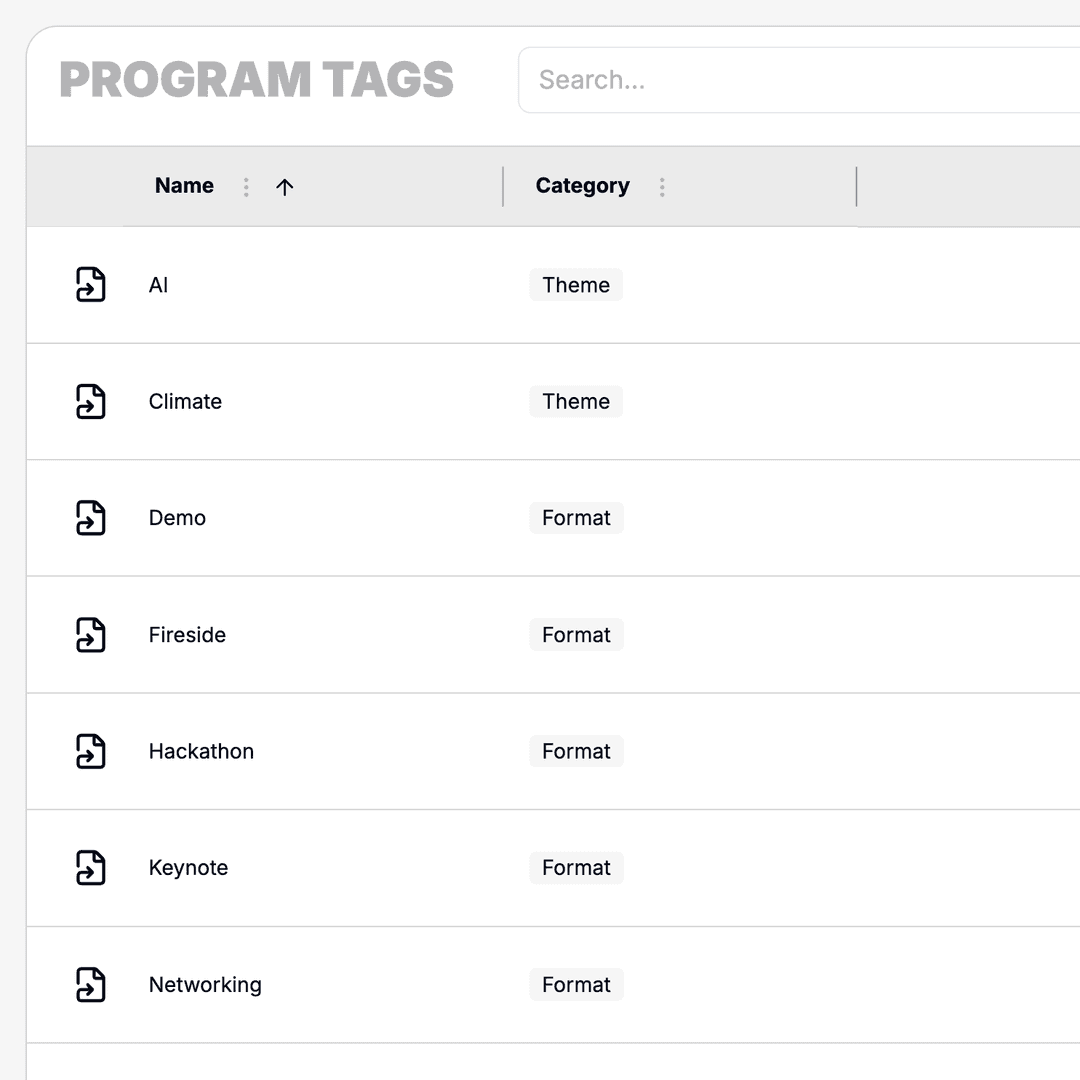
Manage Program Tags
Define categories for filtering and structuring sessions. Tags apply organization-wide and make the program easier to navigate.
- Tags for session types and topics
- Filters in the public program view
- Consistent categories across all events
- Faster navigation for attendees
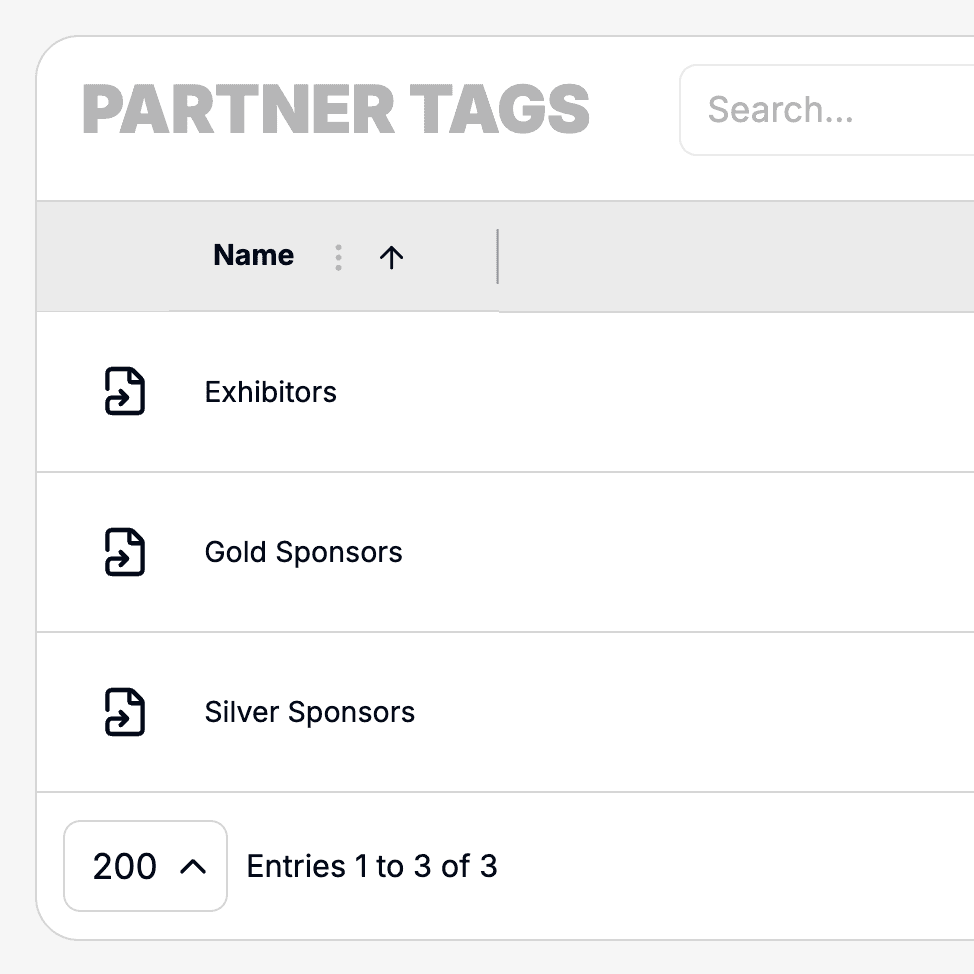
Define Partner Tags
Categorize sponsors and partners with tags for type, tier, or industry. Partner profiles stay consistent and filterable.
- Tags for sponsor and partner types
- Filtering in partner overviews
- Organization-wide tag management
- Consistent presentation on website and in the app